What Is Signal-to-Noise Ratio?
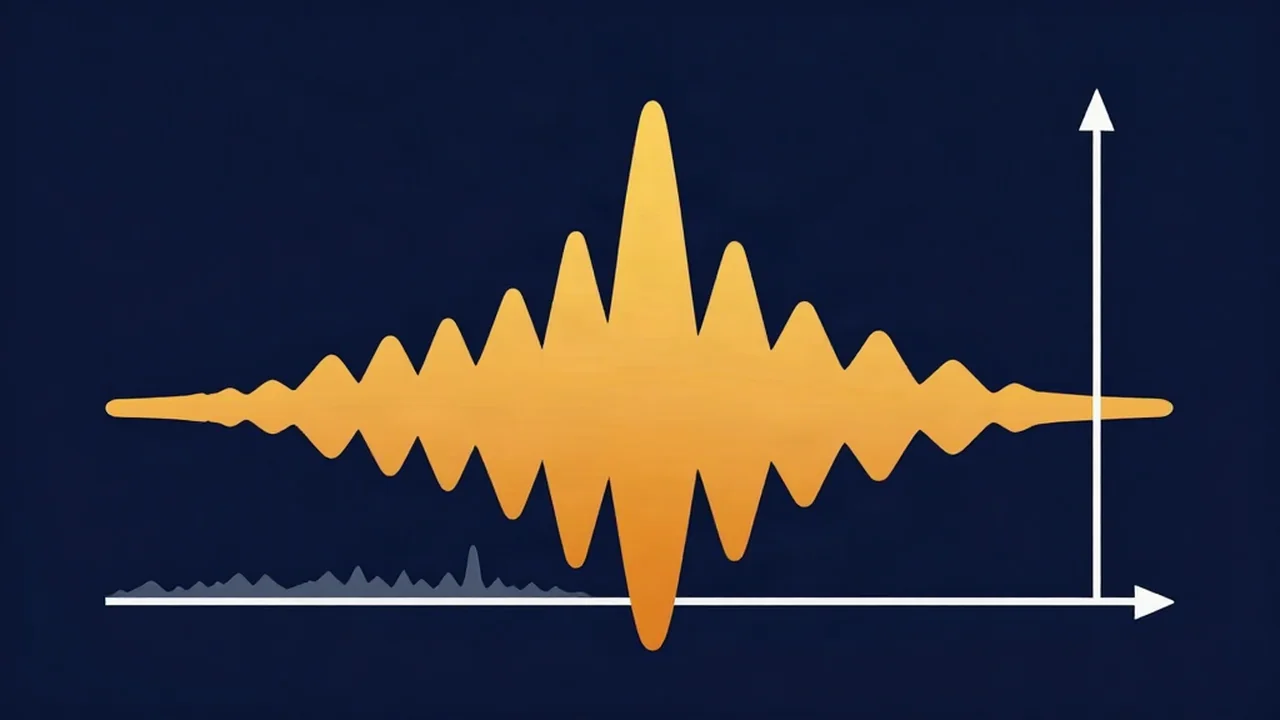
Signal-to-noise ratio (SNR) is how much louder the sound you want is than the background noise underneath it, expressed in decibels, and it decides how hard a Noise Reducer has to work on your recording. A voice averaging 45 dB above a fan's hiss has an SNR of 45 dB. The bigger the number, the cleaner the recording, and the less any later cleanup has to take away.
The noise half of the ratio is the noise floor: the hiss, hum, and room sound present when nobody is talking. This article is about the ratio itself.
How to calculate signal-to-noise ratio
SNR is expressed on the logarithmic decibel (dB) scale, with two versions of the formula depending on what you measured.
For amplitude values (voltage, or the RMS level of a waveform):
SNR (dB) = 20 × log10(signal RMS ÷ noise RMS)
For power values:
SNR (dB) = 10 × log10(signal power ÷ noise power)
Both give the same answer for the same recording, because power is proportional to amplitude squared. A signal with 10 times the noise's amplitude is 20 dB above it; 100 times the amplitude is 40 dB. A signal with 100 times the noise's power is 20 dB above it.
In practice you rarely need the logarithm. Meters in editors and recorders already read in dB, so when both levels are in dB the ratio becomes simple subtraction:
SNR (dB) = signal level (dB) − noise level (dB)
A worked example
Say your speech averages -20 dBFS RMS and a stretch where you aren't talking reads -65 dBFS RMS. The SNR is -20 − (-65) = 45 dB. In amplitude terms, the voice is roughly 178 times the noise (10 to the power of 45/20).
Now move the mic twice as far away. Your voice drops by roughly 6 dB, to about -26 dBFS, while the room noise stays near -65 dBFS. The SNR falls to about 39 dB without anything else changing. That distance effect is why mic placement for clean recordings matters more than most gear upgrades.
How to estimate the SNR of your own recording
You need two numbers: a typical level for the voice and a level for the noise alone.
- Find a noise-only stretch. A few seconds of room tone at the start of the take is ideal, recorded with the same mic, position, and gain as the rest.
- Read its average (RMS) level on a meter. Use average, not peak, for both halves; comparing a voice peak against average noise inflates the result.
- Read the average level of a normal stretch of speech, skipping the loudest shouts and the quietest trailing words.
- Subtract the noise reading from the speech reading.
To check a setup before you record, Vocal Cut's Mic Test shows a live average (RMS) level in dB while you sit quiet and then while you talk. It also flags browser noise suppression, which would make the quiet reading look better than your raw signal.
What a good signal-to-noise ratio looks like for voice
There is no single official SNR standard for spoken word, so treat any number as a rule of thumb. One useful reference point is the ACX audiobook requirements: average speech between -23 and -18 dB RMS, and a noise floor no louder than -60 dB RMS. Together those imply at least 37 dB between voice and floor, or 42 dB if your speech sits at the louder end of that range. Lower than that, and hiss tends to show in pauses; headphones are the final judge.
Microphone SNR on a spec sheet
Many microphone spec sheets list an SNR figure. For microphones it is usually calculated against a fixed reference: a 94 dB SPL tone (the level of 1 pascal of sound pressure), minus the mic's A-weighted self-noise. A mic with 15 dB-A self-noise would be listed at about 79 dB SNR.
That number compares the mic's own hiss to a fairly loud test tone. It says nothing about your room, your distance from the mic, or your preamp gain, so use it to compare mics against each other, not to predict the SNR of your finished file.
Why boosting the volume doesn't improve SNR
Gain applied after recording, whether in an editor or with a Volume Booster, raises the voice and the noise by exactly the same number of decibels. The difference between them, which is the SNR, stays put. You only get a better ratio at capture: closer mic placement, a quieter room, and input levels set well, as covered in how to set recording levels.
Why SNR decides how noise reduction sounds
Noise reduction works by estimating what the noise looks like and turning down the parts of the audio that match it. When the SNR is high, the voice and the noise are far apart in level, so the processor can pull the noise down without touching much of the voice.
When the SNR is low, quiet consonants, breaths, and word endings sit at about the same level as the noise. The processor can't reliably tell them apart, so cleaning up a noisy file takes heavier reduction, and heavier reduction is where the watery, swirly, or thin sound comes from. What causes noise reducer artifacts explains those side effects, and how much noise reduction is too much covers where to stop.
Record with a high signal-to-noise ratio and you reduce less, and what you reduce sounds more natural. When some noise remains, Vocal Cut's Noise Reducer handles it on a file you already have. Voice mode uses an AI speech-enhancement model (GTCRN) that downloads to your browser on first use, and Music mode uses deliberately conservative spectral gating with optional 50/60 Hz hum removal. An Original/Denoised blend slider lets you back the effect off. Everything is processed in your browser, so your audio never leaves your device. For the full workflow, see how to remove background noise from audio.
Frequently asked questions
What does SNR mean in audio? SNR stands for signal-to-noise ratio: how much louder the wanted sound, such as a voice or instrument, is than the background noise under it. It is expressed in decibels, and a higher number means a cleaner recording.
How do you calculate signal-to-noise ratio in dB? For amplitude or RMS values, SNR equals 20 × log10 of the signal divided by the noise. For power values, it is 10 × log10 of the ratio. If both levels are already measured in dB, subtract the noise level from the signal level: speech at -20 dBFS over noise at -65 dBFS gives 45 dB.
What is a good signal-to-noise ratio for voice recording? There is no single official standard. A common reference is the ACX audiobook spec, average speech of -23 to -18 dB RMS with a noise floor no higher than -60 dB RMS, which works out to at least 37 dB between voice and floor. Higher is better, and listening on headphones during pauses is the practical test.
Does a higher microphone SNR mean a cleaner recording? Only partly. Microphone SNR is usually measured against a 94 dB SPL reference tone minus the mic's own self-noise, so it describes the mic's hiss alone. Room noise, mic distance, and preamp gain usually have a bigger effect on the SNR of your actual recording.
Can noise reduction fix a low signal-to-noise ratio? It can lower steady noise such as hiss, hum, or fan noise, but the lower the SNR, the harder it has to work and the more artifacts it tends to leave, like a thin or watery voice. Improving the ratio at the source first gives the most natural result.