Mic Placement for Clean Voice Recordings
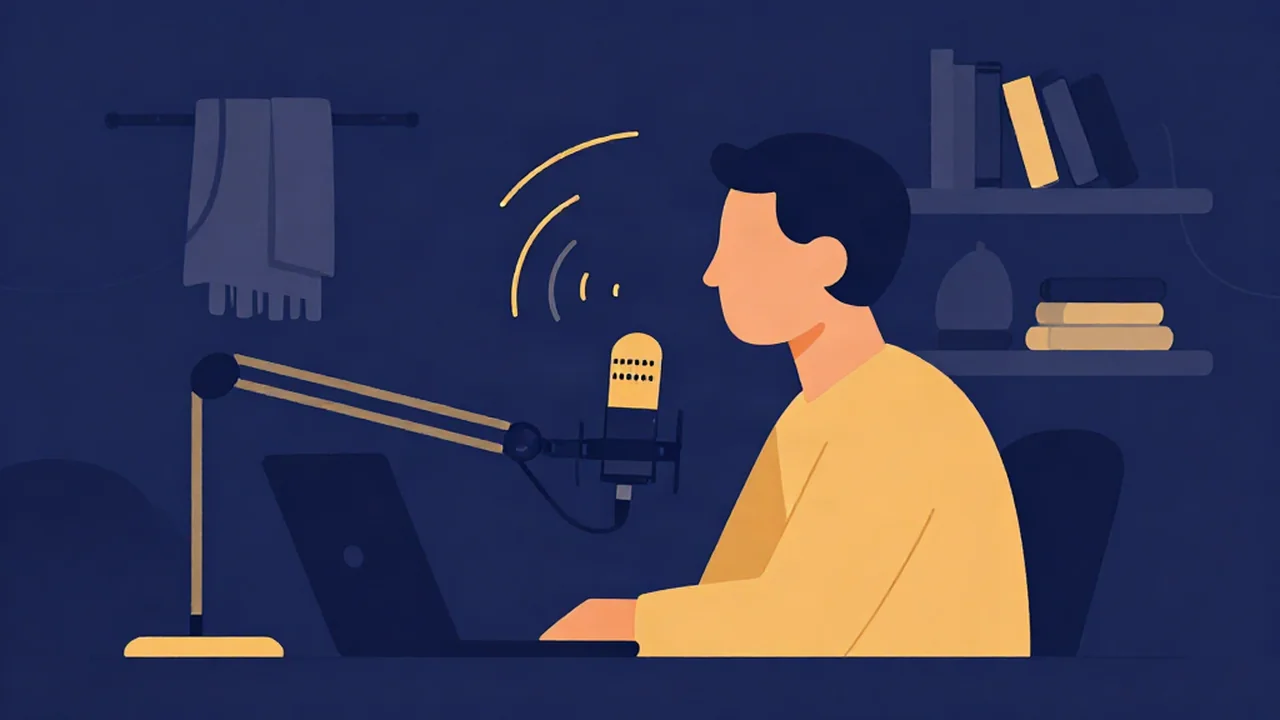
Good mic placement for an online voice recorder like the free Audio Recorder starts with distance: put the mic about 6 to 8 inches (15 to 20 cm, roughly a hand-span) from your mouth, aim it at your mouth but speak slightly past it, keep that distance constant, and record in the softest-furnished room you have. Treat those numbers as a starting point, then adjust by ear with a few short test takes.
Placement is worth getting right because it fixes problems at the source. A voice captured close and clean needs little or no noise reduction later, while a voice captured far away in an echoey room carries that room into every step that follows.
What you'll need
- Any microphone: the one built into your laptop, a headset, or a USB mic.
- Headphones for listening back. Laptop speakers hide hiss, boom and echo.
- A current browser. There's no install and no account, and your audio never leaves your device.
- A short test line with plenty of "p" and "b" sounds, for example "Bring the big blue box past the back porch."
This guide is about where the mic goes. Setting the input level is a separate step, covered in How to Set Recording Levels on an Audio Recorder.
Why mic placement matters more than settings
Every recording captures two things at once: your voice and everything else in the room. Fan noise, traffic, computer hum and the echo of your own voice off the walls all reach the mic too. What you hear on playback is the balance between the two, often called signal-to-noise.
Distance controls that balance more than any software setting. The direct sound of your voice drops by about 6 dB every time you double the distance to the mic, while the room's background noise and reflections stay roughly the same. Turning up the gain doesn't fix that, because gain raises the room along with your voice. Moving closer raises your voice and leaves the room where it was.
The 6–8 inch starting point
Spread your hand with the thumb touching your chin. The tip of your little finger lands roughly where the mic should be. That hand-span trick gets most people into the 6 to 8 inch range without a ruler.
From there, adjust for your situation:
- Move a little closer (around 4 to 6 inches) in a noisy or echoey room, with a quiet speaking voice, or with a dynamic mic, which tends to want a closer voice than a condenser.
- Move farther back (around 8 to 12 inches) if you're a loud speaker or a singer hitting big notes, or if the recording sounds boomy up close.
Closer also means louder, so if you change distance, check your levels again. How to Avoid Clipping on an Audio Recorder covers what happens when a close mic meets a loud voice.
Angle: go off-axis to dodge plosives
Plosives are the bursts of air that come with "p" and "b" sounds (and to a lesser extent "t" and "k"). When that puff hits the mic head-on, it lands as a low thump or pop that's hard to remove later.
The simplest fix is to stop pointing your breath straight at the mic. Keep the mic aimed at your mouth, but position it slightly to the side, toward the corner of your mouth, or slightly above or below your lips. Your voice still reaches the capsule clearly, and the air from your plosives travels past it instead of into it.
A pop filter, the mesh screen between you and the mic, helps further. Without one, a thin sock over the mic or a pencil taped vertically across the capsule can break up some of the air, but angle does most of the work.
Proximity effect: why close can sound boomy
Most directional microphones, including the common cardioid type, add bass as you get closer. This is called the proximity effect. A little of it sounds warm and full, which is why radio voices often work close to the mic. Too much sounds muddy and boomy.
Omnidirectional mics, which pick up sound equally from all directions, show little or none of this effect. Most laptop mics and some headset mics are omnidirectional, so moving closer to them mostly changes level, not tone. If your voice sounds heavy, back off an inch or two before reaching for EQ.
Keep the distance consistent
Every time you lean in or pull back, your level changes, and with a directional mic your tone changes too. A speaker who drifts between 4 and 14 inches swings between loud and boomy and quiet and roomy, and no single setting fixes both.
Use a stand rather than holding the mic, since hands drift and handling adds thumps. Note where your chair sits, put your script directly behind the mic so you don't turn your head to read, and do a quick hand-span check before each section.
Treat the room cheaply
The mic hears the room as much as it hears you. Bare walls, hard floors and glass bounce your voice back into the mic a fraction of a second later, which makes speech sound hollow. Corners and spaces with hard parallel walls tend to be the worst spots.
You don't need foam panels to improve this:
- Record in your softest room. A bedroom with a bed, curtains and carpet usually beats a kitchen or an empty office.
- Use a closet full of clothes. Hanging fabric absorbs reflections well.
- Hang a blanket behind you. The wall behind you is what a mic pointed at you hears reflecting back.
- Face the soft side of the room, toward bookshelves, a sofa or curtains rather than a bare wall.
- Remove noise at the source. Turn off fans and air conditioning, move away from the fridge and close the window.
Laptop and built-in mic specifics
A laptop's built-in mic sits next to the keyboard and often near the cooling fan, so it picks up typing and fan noise easily. Raise the laptop on a stack of books so the mic is nearer mouth height, keep a steady distance, don't type while recording, and close heavy apps so the fan doesn't spin up. A headset mic often beats a laptop mic for voice, because it holds a fixed, close distance however you move.
How to test mic placement with the Audio Recorder
This audio and voice recorder runs in your browser, so you can try three positions in a few minutes and keep the one that sounds best.
- Open the recorder. Go to the Audio Recorder and click "Enable microphone". Allow access when your browser asks.
- Choose your input. Pick your mic from the "Input" dropdown, which shows "Default microphone" until your devices are listed. Set this before you start recording.
- Check the level bar. Speak at your normal volume and watch the green-to-amber bar move. It has no numbers, so treat it as proof that sound is arriving, not as a precise meter. For a numeric readout, run Mic Test first.
- Record take one at a hand-span, off-axis. Press "Record", say your plosive-heavy test line plus a sentence or two of normal speech, then press "Stop".
- Record take two closer, around 4 inches. Keep the same angle and say the same lines.
- Record take three straight on. Return to a hand-span but point the mic directly at your mouth, so you can hear what the angle does for your plosives.
- Listen back on headphones. Compare the takes for boom, room echo, pops and background noise, and use the winning position for the real recording.
For the rest of the recording process in the browser, see How to Record Audio in Your Browser. If you're narrating a script, Record a Voiceover With an Online Voice Recorder covers takes, pickups and the cleanup pass.
Troubleshooting
The voice sounds boomy or muddy
That's usually proximity effect. Move back an inch or two, or angle the mic slightly more off-axis.
The voice sounds thin, distant or roomy
You're too far away for the room you're in. Move closer, then soften the room with a blanket, a closet or a more furnished space.
There are pops on "p" and "b" sounds
Move the mic further off-axis so your breath passes it, and add a pop filter or a makeshift one if you have it.
There's hiss or hum under the voice
Get closer to the mic so your voice sits higher above the noise, and switch off whatever is humming. If some steady noise remains, a light pass in the Noise Reducer can clear it. Its Voice mode uses an AI speech model that downloads once on first use, then runs on your device. How AI Noise Reduction Works explains what it can and can't remove.
The level jumps up and down between sentences
Your distance is changing. Use a stand, mark your spot and sit still. On a finished take, a gentle pass in the Compressor can narrow small swings, and the Volume Normalizer then sets the overall loudness. Normalizing alone raises or lowers the whole file by the same amount, so it won't smooth jumps inside the take.
Next steps after a clean take
With placement sorted, set your input level, then record the real take. If you're making a show, How to Record and Edit a Podcast Online Free walks through the full chain from your first take to a finished episode, including cleanup and loudness.
Frequently asked questions
How far should a microphone be from my mouth?
Start at about 6 to 8 inches (15 to 20 cm), roughly the span of your open hand from thumb to little finger. Move a little closer in a noisy or echoey room, and a little farther back if you speak loudly, sing powerfully or sound boomy. Whatever distance you choose, keep it the same for the whole recording so your level and tone stay consistent.
Why does my recording sound boomy?
Boominess usually comes from the proximity effect: directional mics, including common cardioid types, add bass as your mouth gets closer to them. Move back an inch or two and record a short test take to compare. If it still sounds heavy at a normal distance, the room may be adding low-end buildup, so try a softer, more furnished space before reaching for EQ.
Do I need a pop filter?
Not always. Angling the mic slightly to the side of your mouth, or slightly above or below it, lets the air from "p" and "b" sounds pass the capsule instead of hitting it, and that alone fixes most pops. A pop filter adds extra protection and is worth using for close-up voice work. A thin sock over the mic is a reasonable stand-in.
How do I reduce echo without foam panels?
Record in the most furnished room you have, ideally with carpet, curtains and a bed. Hang a thick blanket behind you, or speak into an open closet full of clothes, since fabric absorbs reflections. Avoid corners and bare walls, and move closer to the mic so your direct voice is much louder than the echo. Closer placement is the cheapest echo fix there is.