What Is Room Tone?
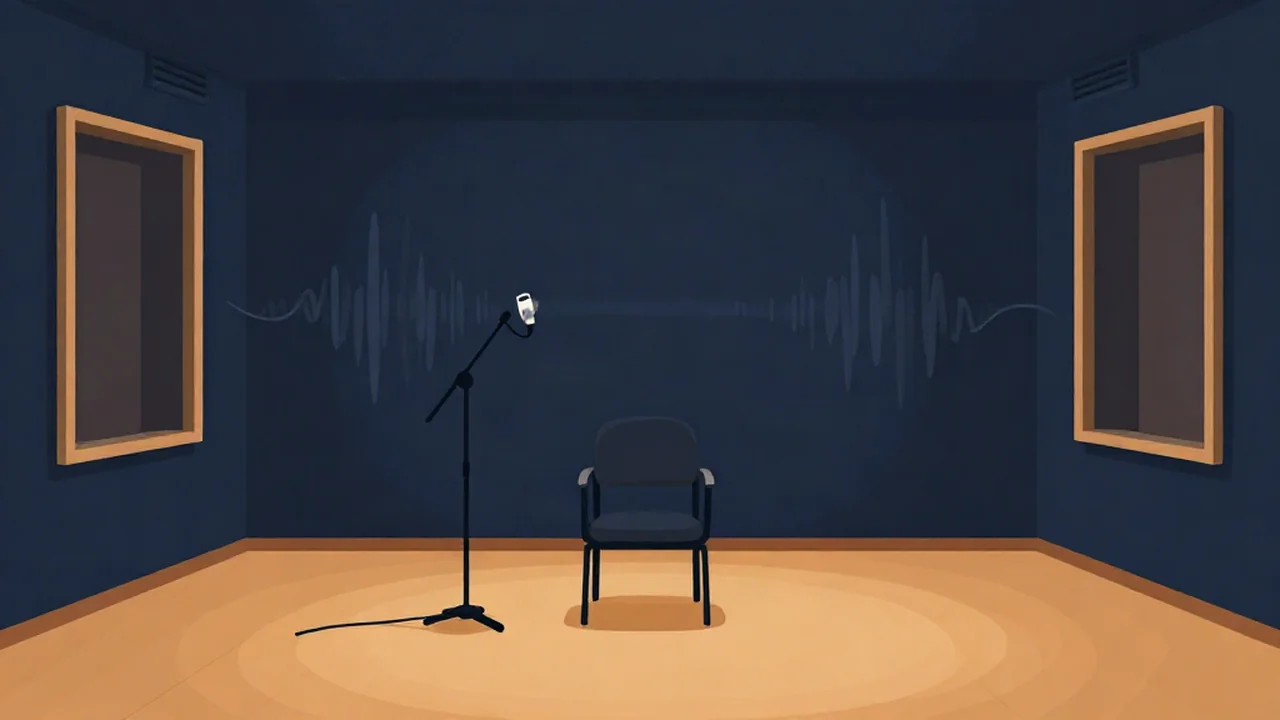
Room tone is the ambient sound of a recording space when nobody is speaking, and it is exactly the noise-only material a Noise Reducer learns from. Think of the hum of the air conditioning, a fridge two rooms away, faint traffic outside, and the room's own acoustic "air," the slight presence that makes a quiet room sound different from a truly silent file.
Editors and sound recordists capture a stretch of it on purpose, usually somewhere around 10 to 30 seconds, and often longer on film sets. On a set, the sound mixer calls "room tone," and cast and crew freeze in place while the recorder runs. Podcasters do a lighter version of the same thing: hit record, stay quiet for about 10 seconds, then start talking.
Room tone vs ambience
The two terms overlap, but they aren't the same thing. Ambience (also called atmos) is the background of a location: birdsong in a park, a busy street, the murmur of a café. It is often recorded separately and used to build a sense of place. Room tone is narrower. It is the specific quiet sound of this room, with these microphones, at this moment, and its job is to match the dialogue recorded there.
Room tone is also distinct from the noise floor, though they are related. The noise floor is the lowest level in a recording, the bottom of its dynamic range. Room tone is what that floor actually sounds like in a given space, including the hiss of the gear and everything the mic picks up from the room.
Job one: filling the gaps
Cut a cough, an "um," or a long pause out of a voice track, and you need something to put in the hole. If you leave true digital silence, the background drops to nothing for a moment and then comes back. Listeners hear that as the room switching off and on, even if they can't say what bothered them.
Laying a slice of room tone into the gap keeps the background continuous, so the edit disappears. The same idea applies to pickups and ADR (dialogue re-recorded after the fact): editors run room tone underneath the new lines so they sit in the same acoustic space as the original takes. It is also the difference between a natural pause and dead air. A gap filled with room tone sounds like someone taking a breath. A gap of digital silence sounds like a glitch.
A Silence Remover is great for tightening a long recording, but if you strip every pause, you can also strip the room tone you'd later want for patching. Leave a few seconds of clean background somewhere in the file. How to trim podcast dead air shows how to set the minimum gap length so the short, human pauses survive.
Job two: a reference for noise reduction
Spectral noise reduction works by comparing your audio against a picture of what the noise alone sounds like, usually called a noise profile. Room tone is the cleanest possible source for that picture, because it is the noise with nothing else on top.
Vocal Cut's Noise Reducer has two modes, and they use room tone differently.
- Music mode uses spectral gating and builds its noise profile automatically. There is no step where you select a noise sample. For each frequency, it looks across the whole file and treats the level that only the quietest 20% or so of moments fall below as the noise. A few seconds of clean room tone, or just the natural pauses between sentences, gives it noise-only material to learn from, so the profile it builds is more accurate. It can also detect and remove 50 or 60 Hz mains hum.
- Voice mode uses an AI speech-enhancement model that doesn't need a noise sample at all. It is built for speech only, so don't run music through it.
Both modes end with an Original/Denoised blend slider, so you can dial back the effect if the voice starts to sound thin. Processing runs in your browser, and your audio never leaves your device; the Voice model downloads to the browser on first use. If you're deciding between the two approaches, Voice AI vs spectral noise reduction covers the trade-offs, and How Much Noise Reduction Is Too Much? explains how to tell when you've pushed it too far.
How to capture good room tone
Record it in the same session, in the same position, with the same mic and gain settings as the main take. Room tone from a different day or a moved mic won't match. Keep everyone quiet and still, including the person at the keyboard. Leave the HVAC or fan in whatever state it was during recording; turning it off for the room tone defeats the purpose.
For a podcast or voiceover, the simplest habit is to start the Audio Recorder and stay silent for the first 10 seconds or so before you speak. Later you can lift that slice with the Audio Cutter and drop it into gaps. The guides on how to record a podcast and how to record a voiceover cover the rest of the setup.
Frequently asked questions
How long should room tone be? Most guidance puts it somewhere between 10 and 30 seconds, and film sets often record 30 to 60 seconds. Longer gives an editor more material to patch gaps without an audible loop, and more noise-only audio for a noise reducer to learn from. For a short podcast or voiceover, about 10 seconds of silence at the start of the recording is a practical minimum.
Is room tone the same as silence? No. Silence in a digital file means zero signal, which never happens in a real room. Room tone is the low, constant background a space makes when nobody speaks: air handling, appliances, distant traffic, and the room's acoustic character. Filling edits with room tone instead of digital silence keeps the background continuous, so cuts don't sound like the room switching off and on.
What is the difference between room tone and ambience? Ambience, or atmos, is the background sound of a location, such as birds, traffic, or a crowd, often recorded separately to establish a scene. Room tone is the specific quiet sound of the exact room where dialogue was recorded, captured to match that dialogue. Ambience sets the scene; room tone patches edits and serves as a noise reference.
Do I need room tone to use a noise reducer? Not always. Vocal Cut's Noise Reducer in Music mode builds its noise profile automatically from the quietest parts of the file, so it has no separate noise-sample step, but a few seconds of clean room tone or natural pauses gives it better material to learn from. Voice mode uses an AI speech model that needs no noise sample at all.