How to Remove Hiss from Audio
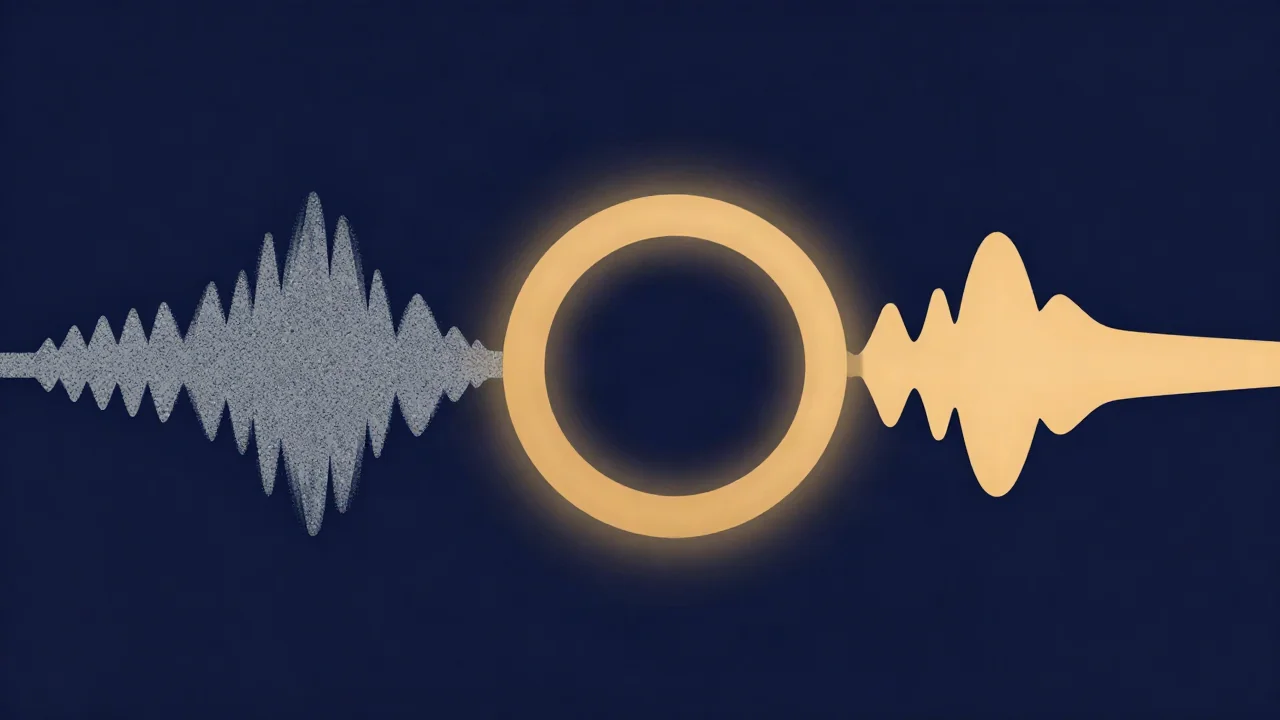
To remove hiss from audio, open the free Noise Reducer, pick Music for songs and mixed audio or Voice for speech-only recordings, and click Reduce noise. Then listen, set the Original/Denoised slider to the gentlest amount that sounds clean, and export as WAV, MP3 or Opus. There's no account, and the processing runs in your browser, so your audio never leaves your device.
The slider matters more than people expect. Most bad hiss removal comes from pushing it too hard.
What hiss is (and how it differs from hum)
Hiss is random broadband noise. Broadband means it's spread across a wide range of frequencies at once, which is why it sounds like air escaping or radio static rather than a note. In technical terms it's close to white noise; Brown Noise vs White Noise explains what that label means.
Hiss covers the whole spectrum, but you mostly hear it in the upper mids and highs. Human hearing is most sensitive around 2–5 kHz, so the noise in that region is what stands out, especially in the gaps between words or notes.
Hum is the opposite kind of problem. It's tonal: a low drone sitting on a few exact frequencies (50 or 60 Hz and their harmonics), and it needs a different fix. If your noise is a low "mmm" rather than a "shhh", go to How to Remove Hum and Buzz from Audio instead.
Where hiss comes from
Every piece of electronics makes a little random noise of its own, called thermal noise. In a typical recording chain the microphone's self-noise usually dominates. That noise is quiet until gain is applied:
- Cranking the preamp gain turns the noise floor up together with the signal. A quiet source recorded with the gain maxed out will hiss.
- Boosting a quiet recording afterwards does the same thing later in the chain. Turning a whisper-level take up by 20 dB turns its hiss up by 20 dB too.
- Cheap mics and preamps tend to have higher self-noise, so they hiss sooner.
- Tape has its own hiss, which comes from the magnetic particles on the tape itself. It's the medium's noise floor, and slower tape speeds and coarser magnetic particles generally mean more of it.
Hiss is one kind of background noise. For fans, traffic, room noise and cleaning up the soundtrack of a video, How to Remove Background Noise from Audio is the wider guide.
How noise reduction removes hiss
The Noise Reducer's Music mode uses spectral processing, not AI. It works in three stages.
First, it builds a noise profile automatically. There's no "select a noise sample" step. For each frequency band, it samples up to 400 evenly spaced moments across the file and finds the level that the quietest 20% of them stay under. Whatever is always there, even in the quietest moments, is treated as the noise floor. It then smooths that profile across frequency. Steady hiss is spectrally smooth, while a sustained note or synth pad shows up as a narrow peak, so the smoothing stops a held chord from being mistaken for noise.
Second, it gates each band. Where the signal is close to the noise profile, that band is turned down, with a little over-subtraction. Where the music or voice rises well above it, the band stays open.
Third, it limits and smooths the gate. Reduction is capped at about 16 dB, so it can't hollow out a mix. The gain changes are smoothed in time (opening fast, closing slowly) and across neighbouring frequencies.
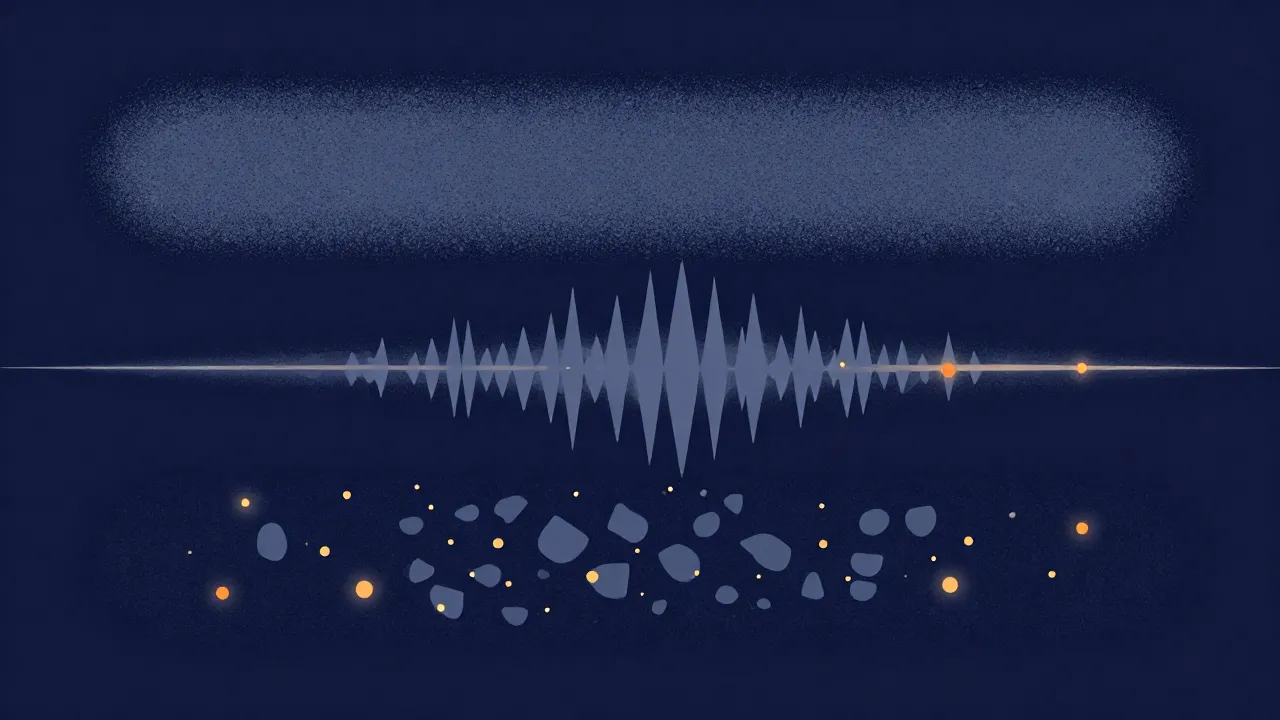
That last stage is what keeps artifacts down. When a gate flickers band by band, the leftover hiss turns into short, random, tinkly tones. Audacity's manual calls this "musical noise", sometimes "bird song". Push reduction too far and the opposite happens: the highs go dull and voices sound watery, as if recorded underwater. Where hiss overlaps the sound you want to keep, no tool can separate the two perfectly. Noise reduction reduces hiss; it doesn't erase it for free.
In practice, Music mode works best when the hiss is steady and the file has some quieter passages or pauses for the profile to learn from.
What you'll need
- A file in MP3, WAV, FLAC, M4A, AAC, OGG, Opus or WebM audio. Safari can't decode OGG or Opus, so open those in another browser.
- A file up to 100 MB and 12 minutes long. Trim a longer one first with the Audio Cutter.
- Good headphones. Hiss is easy to miss on laptop speakers, and so are the artifacts you're listening for.
How to remove hiss from audio, step by step
- Confirm it's hiss. Drop the file into the Spectrogram or the Audio Spectrum Analyzer. Hiss shows up as a fuzzy band spread across the upper part of the display that persists through pauses, not as a thin line. How to Read a Spectrogram shows what to look for.
- Open the Noise Reducer and add your file. Drag it onto the drop zone on the Noise Reducer page, or click to choose it.
- Pick a mode. Choose Music for songs, mixes, instruments, or anything with music in it. It keeps the full frequency range and stereo, and it doesn't download a model. Choose Voice (the default) only for speech-only recordings; the next section explains when.
- Leave the hum box alone unless you need it. Music mode has a checkbox, Also remove 50/60 Hz electrical hum (auto-detected), off by default. Tick it only if there's a drone under the hiss as well.
- Click Reduce noise (Music mode). Processing runs in a background worker and shows a percentage, the current stage and an estimate of time left. A long file takes a while.
- Find the gentlest amount that works. Press play. The slider runs from Original to Denoised and starts at 75%, shown as "Noise reduction: 75%". At 0% you hear the untouched original. Pull it back until the hiss is low enough but the cymbals, breaths and "s" sounds still sound natural. Changes apply live and carry through to the export.
- Export. Choose WAV (the default), MP3, or Opus where your browser supports it (not Safari), then click the export button, for example Export WAV. Reset File clears everything if you want to start over.
Hiss on speech: when Voice mode is the better pick
Voice mode uses GTCRN, a small AI speech model. Instead of gating bands, it keeps the voice and suppresses everything else, hiss included. On a hissy podcast, interview or voice memo, that often beats a spectral gate. How AI Noise Reduction Works explains the approach.
It has trade-offs. The model is about 0.5 MB, downloaded once and then cached, and processing isn't instant. It runs at a 16 kHz sample rate, so the output is mono and limited to the speech band, roughly below 8 kHz. For hiss that's a side benefit: anything above about 8 kHz, hiss included, is simply gone, and the model handles the hiss inside the speech band. For music it's the wrong tool. The tool warns against running songs through it, and the warning is real: instruments, pads, reverb tails and cymbals get stripped along with the noise.
Getting a clean result without warbly artifacts
It sounds warbly or tinkly. That's musical noise from the gate. Pull the mix slider back toward Original. Blending some of the untouched signal back in masks the flicker, so a little steady hiss replaces a lot of chirping.
It sounds dull or underwater. Too much reduction. Pull the slider back as well. If the source is very noisy, accept some remaining hiss; a slightly hissy recording sounds better than a watery one.
The hiss is still there. This is partly by design. The roughly 16 dB cap protects the mix, so very loud hiss won't vanish entirely. Combine the Noise Reducer with a gentle EQ shelf (below), and fix the source next time.
The hiss is louder in the quiet parts. Hiss is steady, so it's most audible where the wanted sound drops away, such as between phrases or in a fade-out. That's normal, and the gate already does most of its work in those gaps, so pushing reduction harder mostly adds artifacts there. If a fade-out or a long pause still sounds hissy, a smooth fade with the Audio Fade tool often hides it better.
It got quieter overall. Removing noise removes real energy. Run the result through the Volume Normalizer to bring the level back up, after the noise reduction rather than before.
The EQ alternative: a gentle high-shelf cut
On a voice or lo-fi source, a simple EQ cut can tame hiss without any gating at all. The Equalizer has six fixed bands: an 80 Hz low shelf, peaking bands at 240 Hz, 750 Hz, 2.2 kHz and 6 kHz, and a 12 kHz high shelf, each adjustable ±12 dB in 1 dB steps.
Pull the 12 kHz shelf down a few dB, and maybe the 6 kHz band slightly. That turns down the top end where hiss is most noticeable. The cost is air and brightness: cymbals lose their shimmer and sibilance loses detail. An EQ also can't touch hiss sitting underneath the voice's own frequencies, because it turns everything in a band down equally. Parametric vs Graphic EQ: The Difference explains why a fixed-band EQ is a blunt instrument here.
Used lightly after noise reduction, a shelf cut can pick up where the gate's cap stops.
Removing tape hiss from cassettes
Most cassette hiss problems start before the audio reaches a computer. Many tapes were recorded with Dolby B or C noise reduction, which boosts the highs on recording and expects the deck to cut them on playback. Play one back without decoding and it sounds bright and hissy.
So when you digitize, set the deck's Dolby switch to match the tape. B and C aren't interchangeable. If the label doesn't say, try each setting and compare by ear. A browser tool can't decode Dolby afterwards; it has to happen at playback.
Once it's digitized, run the file through Music mode to reduce the hiss that's left, keeping the slider gentle. Tape hiss is steady, which suits the automatic profile well.
Stop hiss at the source
Every hiss fix costs a little audio. Recording cleanly costs nothing.
- Set sensible gain. Aim for healthy levels with headroom, not the preamp at maximum. How to Set Recording Levels on an Audio Recorder has the numbers.
- Get closer to the source. A mic close to the voice or instrument needs less gain, so its self-noise stays further below the signal. See Mic Placement for Clean Voice Recordings.
- Choose a quieter mic. If an old or cheap mic hisses even at modest gain, its self-noise is the limit, and no setting will fix it.
- Don't plan to boost later. A quiet take turned up afterwards brings its hiss up with it.
- Record a few seconds of room tone. Leave silence at the start of each take. Profile-based reducers in general learn the noise from moments like that.
More cleanup and recording walkthroughs are in the Audio How-To Guides.
Frequently asked questions
Can you remove hiss from audio without losing quality?
Not entirely. Hiss is broadband, so it overlaps the sound you want to keep, and any reduction takes a little of that with it. Gentle settings keep the loss inaudible on most recordings. In the Vocal Cut Noise Reducer, pull the Original/Denoised mix slider back until cymbals, breaths and consonants still sound natural, and accept a trace of hiss rather than chasing silence.
Why does my audio sound underwater after noise reduction?
The reduction was too strong. When a noise reducer turns down too much of the high end along with the hiss, voices lose their crispness and take on a watery, underwater quality. Light gating that flickers leaves tinkly "musical noise" instead. The fix for both is less processing: blend more of the original back in with the mix slider until the voice sounds natural again.
Is EQ or noise reduction better for hiss?
Noise reduction is usually better, because it turns hiss down only where the wanted sound is quiet and leaves the rest alone. A high-shelf EQ cut lowers everything above the shelf, so it dulls cymbals and sibilance along with the hiss, and it can't reach hiss in the midrange. A gentle shelf after noise reduction is a good combination for stubborn hiss.
How do I remove tape hiss from a cassette recording?
Start at the deck. If the tape was recorded with Dolby B or C, switch on the matching Dolby decoding when you digitize, because undecoded Dolby tapes sound bright and hissy and a browser tool can't decode Dolby afterwards. Then run the digitized file through the Noise Reducer in Music mode and keep the mix slider gentle to reduce the remaining hiss.
Why does turning up the gain add hiss?
Every microphone and preamp produces a little random electrical noise. Gain amplifies everything at its input, so turning it up raises that noise floor along with your voice or instrument. Boosting a quiet recording afterwards does the same. Record at sensible levels with the mic close to the source, so the signal sits well above the noise without extreme gain.