Fix Harsh or Tinny Audio With an Audio Equalizer
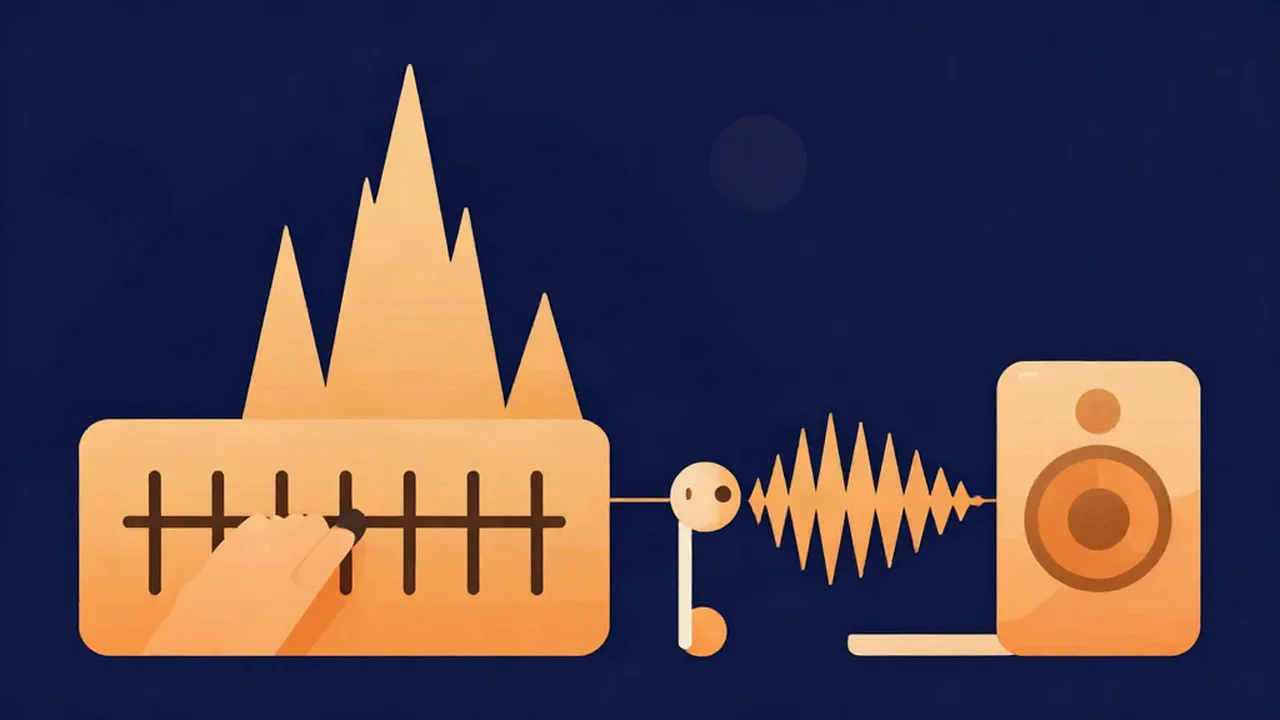
To fix harsh audio, cut the upper mids (roughly 2–5 kHz) by a few dB with a free audio equalizer, in small steps, until the edge softens without the sound going dull. Tinny audio needs that same small cut plus a modest lift in the low and low-mid range to put some body back. That works on a finished file. It's still better to catch the problem earlier, at the mic, on a single track, or on the speaker that's actually causing it.
Harsh, tinny, or sibilant: name it first
People swap these words around, but each one points to a different part of the frequency range and needs a different fix.
| What you hear | Rough range | Sounds like |
|---|---|---|
| Harsh | ~2–5 kHz | Brittle, edgy, tiring to listen to at volume. You want to turn it down. |
| Tinny | Missing ~100–300 Hz | Thin and small, like a phone call or a cheap radio. The upper mids dominate because there's little body under them. |
| Sibilant | ~5–10 kHz | Spiky, hissing "s", "sh" and "t" sounds that jump out of a voice. |
| Fizzy or brittle top | ~8 kHz and up | A sizzling, swirly or grainy top end. Often lossy-compression artifacts or distortion, not just EQ. |
Guides draw these edges differently, and some stretch harshness up to about 8 kHz. The useful distinction is that harshness is an excess of something, while tinniness is mostly a shortage: the low and low-mid body is missing, so ordinary upper mids sound too loud by comparison. For a plain map of where these regions sit, see bass, mid, and treble explained. If your problem is the opposite one, a low end that swells and hangs, read how to fix boomy audio with an audio equalizer instead.
Is it the file or your speakers?
Check this before you touch any EQ. A lot of "tinny" audio is really a tinny playback device.
- Listen on at least three systems, such as decent headphones, a phone speaker and a laptop or car. Earbuds, laptop speakers and phone speakers physically can't reproduce much low bass, so almost everything sounds thinner on them.
- Check the device's own settings. A phone or streaming app's equalizer, a car audio equalizer, or a "treble boost", "clarity" or "enhancement" option can make good audio sound harsh. Set them flat and listen again.
- If it only sounds bad on one system, fix that system, not the file. EQing the file to suit one pair of earbuds makes it worse everywhere else.
- If it sounds harsh or thin everywhere, it's in the audio. Keep going.
What makes audio harsh or tinny
Small mics and built-in mics
Phone, laptop and cheap headset mics capture little low end, and many have a built-in presence peak in the upper mids to help speech cut through. The result is both tinny and harsh at once.
Mic too far away in a hard room
Distance means less direct sound and more reflections off bare walls, so voices turn thin, roomy and hollow.
Overdone treble or "enhance" presets
A heavy treble boost, a "clarity" preset or an enhancement effect can push a track from bright to piercing.
Distortion and clipping
When audio clips, the flattened waveform adds new high harmonics that weren't in the original sound. They read as grit and harshness, especially on loud passages. What is audio clipping explains how it happens and how to avoid it.
Low-bitrate lossy files
Lossy formats save space by throwing away detail, and at low bitrates the top end can turn swirly, watery or fizzy. That's an encoding artifact, not a tonal balance problem. See lossy vs lossless audio for why.
Heavy limiting and loudness
Pushing a track very loud with a limiter (a processor that stops peaks going past a ceiling) squashes transients and often adds subtle distortion. Loud, dense masters tend to sound harder and more fatiguing.
How to fix harsh or tinny audio, in order
Work down this list and stop when the problem is gone.
- Fix it at the source. Move closer to the mic, angle it slightly off-axis, use a better mic than the built-in one, or record somewhere softer. Mic placement for clean voice recordings covers distance and angle.
- If it's only the "s" sounds, de-ess instead. A de-esser turns down sibilance only when it happens, so the rest of the voice keeps its clarity. A static treble cut dulls everything. See how to de-ess vocals with an audio equalizer.
- Make a targeted cut on the culprit. With a parametric audio equalizer (one where you pick the exact frequency and width), boost a fairly narrow band by several dB, sweep it slowly through 2–5 kHz until the harshness jumps out, then flip that boost into a cut of a few dB. Widen it a little before you finish; very narrow notches can sound unnatural and miss the problem. Parametric vs graphic EQ explains both types.
- Use a broad cut on the finished file. When you only have the bounced mix, a wide cut in the upper mids is the tool left. It's less precise, so keep it gentle.
A spectrum view helps you find the problem instead of guessing. The Audio Spectrum Analyzer takes a file or your mic and shows where the energy piles up; what is a spectrum analyzer explains how to read one.
Fixing harsh or tinny audio with an audio equalizer
Vocal Cut's Equalizer is a fixed 6-band graphic EQ that runs in your browser, and your audio never leaves your device. It has an 80 Hz low shelf, peaking bands at 240 Hz, 750 Hz, 2.2 kHz and 6 kHz, and a 12 kHz high shelf, each adjustable ±12 dB in 1 dB steps. The peaking bands are fairly wide (a Q of 1, about 1.4 octaves). It accepts MP3, WAV, FLAC and M4A, and the sliders change the sound live while the file plays.
For harsh audio:
- Drop in your file and press play.
- Pull 2.2 kHz down 2–3 dB. Its curve is strongest from roughly 1.4 kHz to about 3.5 kHz and tapers out either side, so it covers the core of the harsh range.
- Try 6 kHz at -1 to -3 dB if the edge sounds higher and sharper. That band reaches up into sibilance territory, so listen for the voice going dull.
- Touch the 12 kHz shelf only for a fizzy top. It mostly affects the very top of the spectrum, so it won't do much for upper-mid harshness.
For tinny audio:
- Trim 2.2 kHz by 1–2 dB first. Cutting what's too loud keeps headroom.
- Add body at 240 Hz, +1 to +3 dB.
- Try +1 to +2 dB on the 80 Hz shelf if it still sounds small. Be careful here: if you're listening on small speakers, you may be boosting lows you can't hear, which adds mud and pushes the level toward clipping.
Then A/B with Flatten: note your settings, click Flatten to hear the original, and put them back. Your ears adapt fast, so compare fresh. Then choose a format and export: WAV is lossless, MP3 is smaller, and Opus appears where your browser supports it.
Starting points
| Problem | Starting moves |
|---|---|
| Harsh mix | 2.2 kHz -2 dB, 6 kHz -1 dB |
| Harsh voice | 2.2 kHz -2 to -3 dB, 6 kHz -1 to -2 dB |
| Tinny phone recording | 2.2 kHz -1 to -2 dB, 240 Hz +2 dB, 80 Hz +1 dB |
| Fizzy top | 12 kHz -2 to -3 dB |
These are starting points, not the best audio equalizer settings for every file. Every boost adds level, so after any lift, check that the export doesn't clip. Cutting first is the habit that keeps headroom. For the full band-by-band approach, see the audio equalizer guide to EQing for clarity, and for voices specifically, how to EQ a vocal.
What EQ can and can't fix
EQ can reduce a general excess of upper mids, undo an overdone treble boost, and make a slightly thin recording sound fuller.
It can't:
- Undo clipping or distortion. The added harmonics are baked into the waveform.
- Restore lows a tiny mic never captured. You can lift what's there, including its noise and rumble.
- Fix one instrument in a stereo mix. On a bounced file every part shares the same upper mids, so cutting a harsh guitar also dulls the vocal and cymbals.
- Notch a narrow resonance. A single ringing frequency needs a narrow parametric cut. Fixed, broad graphic bands can't target it.
- Repair lossy artifacts. Fizzy, swirly highs from a low-bitrate file need a better source file, not EQ.
An automatic audio equalizer or one-click "fix" preset has a bigger blind spot: it nudges your audio toward a reference curve, but it can't tell whether the harshness comes from distortion, sibilance or your earbuds. That diagnosis is still a job for your ears. For other cleanup jobs, browse the rest of the audio how-to guides.
Frequently asked questions
What frequency causes harsh audio? Harshness usually sits in the upper mids, roughly 2–5 kHz, where human hearing is especially sensitive. Some sources extend it to about 8 kHz. Spiky "s" sounds are a separate problem, sibilance, around 5–10 kHz. The exact frequency varies by source, so sweep that range or check it on a spectrum analyzer before cutting a few dB.
How do I make tinny audio sound fuller? First check it on several speakers, because small speakers make everything sound thin. If the file itself is tinny, cut the upper mids around 2 kHz by 1–2 dB, then add 1–3 dB in the low mids around 200–300 Hz and a little low shelf if needed. Fixing it at the mic, by moving closer or using a better mic, works better.
Why does my audio sound harsh only on earbuds or speakers? That points to the playback device, not the file. Small earbuds and speakers can't reproduce much bass, so the upper mids dominate, and some devices or apps add a treble boost or enhancement setting. Set the device's equalizer flat and compare on other systems before you EQ the audio itself.
Should I cut harsh frequencies or boost the bass? Cut first. Lowering the harsh upper mids a few dB fixes the problem directly and keeps headroom. Boosting bass makes harshness seem quieter by comparison, but it adds level, raises the risk of clipping, and can add mud. For tinny audio, a small cut plus a small low-mid boost usually works best.
Can an equalizer fix distorted or clipped audio? No. Clipping and distortion add new harsh harmonics that become part of the waveform, and EQ can only turn frequency ranges up or down. Cutting the highs makes distortion less obvious but also dulls everything else. The real fix is re-recording or re-exporting with lower levels so the audio never clips.