Bass, Mid, and Treble Explained
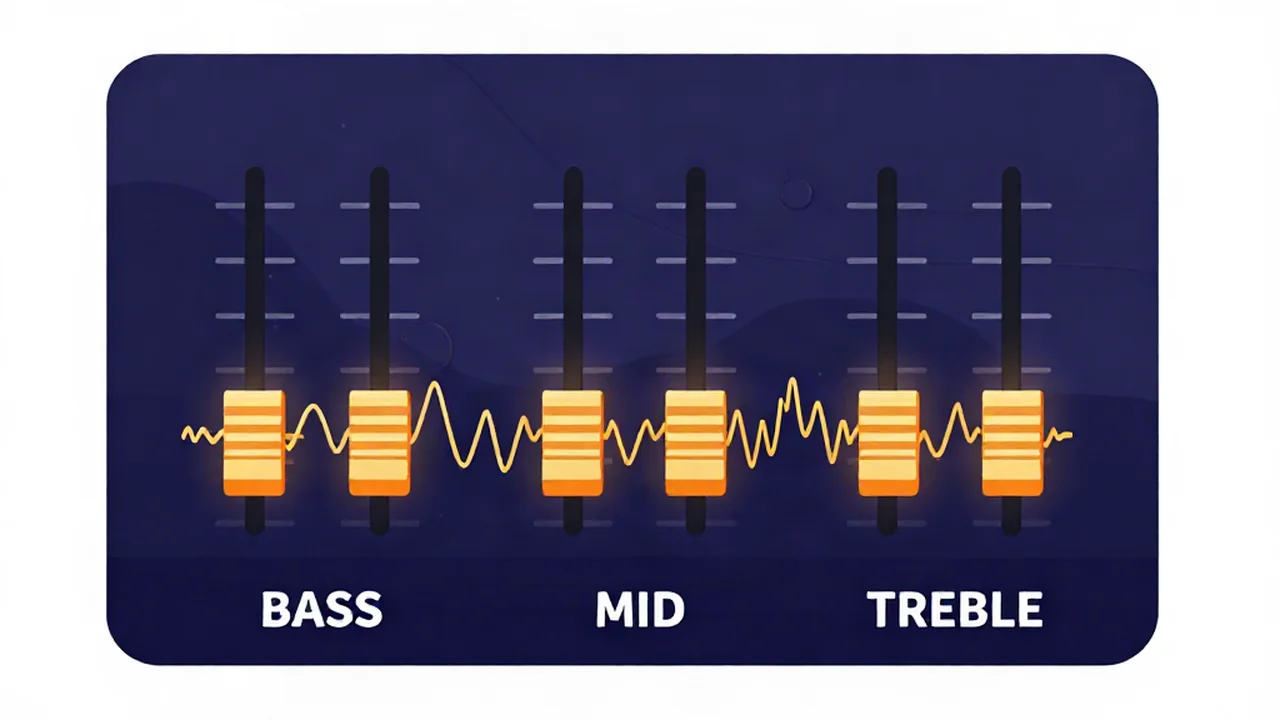
Bass, mid, and treble are the three broad regions of the frequency spectrum you shape with an audio equalizer: the low end (bass), the body in the middle (mids), and the highs (treble). Almost every tone control you have ever touched — the bass and treble knobs on a car stereo, the sliders in a music app, the EQ on a mixing desk — is really just adjusting some version of these three regions. They are the practical shorthand engineers and listeners use for "the weight," "the substance," and "the sparkle" of a sound, and understanding them is the fastest way to describe what a mix is missing and then go fix it.
Here is the whole picture at a glance, then we will walk through each band in turn.
| Band | Approx. range | What lives there | Too much sounds like | Too little sounds like |
|---|---|---|---|---|
| Bass | ~20–250 Hz | Kick drum, bass guitar/synth bass, low piano and toms, sub rumble | Boomy, muddy, "one-note" low end that swamps everything | Thin, weak, no foundation or power |
| Mids | ~250 Hz – 4 kHz | Most instruments and the human voice — guitars, piano, snare, vocal body and clarity | Boxy and congested (low-mid) or harsh and fatiguing (high-mid) | Hollow, distant, buried vocals |
| Treble | ~4–20 kHz | Cymbals, sibilance ("s"/"t" sounds), detail and "air" | Harsh, hissy, brittle, ear-piercing | Dull, muffled, dark, lifeless |
One caveat before anything else: those ranges are conventions, not hard lines. Different engineers draw the boundaries in slightly different places, and the bands overlap. Nothing physical happens at exactly 250 Hz where "bass" becomes "mids." Treat these as landmarks for talking about the spectrum, not fixed compartments. If you want the deeper dive on the full spectrum behind these three groupings, The Audible Frequency Range (20Hz-20kHz) is the sibling explainer to read next.
Bass — the low end you feel
Bass covers roughly 20–250 Hz, and it splits into two feels. Sub-bass (about 20–60 Hz) is the region you feel in your chest more than hear as a distinct note — the deep body of a kick drum, an 808, a rumble. Bass proper (about 60–250 Hz) is the weight and warmth you can actually hum: the bass guitar or synth bassline, the punch of the kick, the low notes of a piano, and the boom of floor toms.
Get the bass right and a track feels powerful and grounded. Too much of it sounds boomy and muddy; the low end swamps the rest of the mix, and on cheaper speakers individual notes blur into a "one-note" wash. Too little and the track sounds thin and weak, like the song has no foundation — a problem laptop speakers, which already struggle down low, only make worse.
If you just want more low end on a track without touching everything else, the Bass Booster targets exactly this region. And because it is very easy to overdo — pushing bass until it distorts or turns to mud — How to Boost Bass Without Distortion covers doing it cleanly.
Mids — where the music actually lives
The mids are the biggest and most important region, running roughly 250 Hz to 4 kHz. This is where most instruments and the entire core of the human voice sit, which is why the ear is most sensitive here and why mistakes in the mids are the most audible. It helps to split the mids into three:
- Low-mids (~250–500 Hz) carry warmth and body — the fullness of a guitar or the chest of a vocal. But this is also where "mud" collects. When too many instruments pile energy in here, the mix turns boxy and congested, like it is playing through a cardboard tube.
- Midrange (~500 Hz – 2 kHz) is the substance of most sounds — the part that makes a snare crack and a guitar sound like a guitar. Too much here can sound honky or "boxy"; too little leaves sounds hollow and scooped-out.
- High-mids / presence (~2–4 kHz) is where clarity and attack live — the consonants that make a vocal intelligible and the pick attack on a string. Boost it and things cut through; push it too far and the sound gets harsh and fatiguing, the kind of edge that tires your ears after a few minutes.
Vocals depend on the mids more than any other region: warmth in the low-mids, body in the midrange, and intelligibility in the presence band. Too much low-mid makes a voice boxy and muddy; too much high-mid makes it harsh and spitty; too little anywhere in the mids leaves the vocal hollow, distant, and buried behind the instruments. How to EQ a Vocal in Your Browser walks through finding presence and controlling harshness step by step.
Treble — presence, detail, and air
Treble runs from about 4 kHz up to 20 kHz, the top of human hearing. It is where cymbals, the crispness of a hi-hat, and the detail that makes a recording sound "open" live. Two sub-regions matter: presence (roughly 4–6 kHz) adds clarity and bite, and brilliance or "air" (roughly 6–20 kHz) adds sparkle and a sense of space — the shimmer that makes a mix feel expensive rather than flat. Sibilance — the harsh "s," "t," and "sh" sounds in a vocal — sits around 5–8 kHz, which is worth knowing because it is the region you reach for when a voice sounds spitty.
Too much treble sounds harsh, hissy, and brittle; sibilance gets exaggerated into an ear-piercing "sss," and cymbals turn into splashy noise. Too little and everything goes dull, muffled, and dark, like a blanket is draped over the speakers. Treble is also the first thing that goes with age-related hearing loss, so what sounds bright to a younger listener can sound just right to an older one — one reason there is no single "correct" amount.
How to move these bands with an EQ
An equalizer (short for equalization) is the tool that turns any of these regions up or down. Our free browser-based Equalizer is a 6-band graphic EQ: six fixed frequencies, each with one slider that adds or removes gain, from −12 to +12 dB in 1 dB steps (a decibel, or dB, is the unit for how loud something is — bigger number, bigger change). Here is how the six bands map onto bass, mid, and treble:
- 80 Hz low shelf → bass. Lift for weight and warmth, cut to clean up boom.
- 240 Hz → low-mid. Cut here first when a mix sounds muddy or boxy.
- 750 Hz → midrange body. Small moves change how full or hollow things feel.
- 2.2 kHz → high-mid / presence. Boost to bring vocals forward; ease off if it is harsh.
- 6 kHz → presence and bite. Adds clarity and edge; too much exaggerates sibilance.
- 12 kHz high shelf → air. A gentle lift adds sparkle; a cut darkens a hissy track.
You move the sliders and hear the change live — the preview updates in real time because it is running Web Audio filters, not an AI process, so there is nothing to wait for. When you like it, you can export to WAV, MP3, FLAC, or M4A, and your audio never leaves your device — all the processing runs right in your browser.
A few habits that keep EQ from going wrong: make small moves (±2–4 dB is usually plenty), cut before you boost (removing a problem frequency sounds more natural than piling on more of everything), and listen at a moderate volume so loudness doesn't fool you into over-EQing. If you want the underlying concept rather than the controls, what EQ (equalization) is and what audio frequencies are both build the foundation.
One honest distinction while we are here. Our tool is a graphic EQ — fixed bands, one gain control each — which is simple and fast to learn. A parametric audio equalizer is a different design: it lets you sweep the exact center frequency and adjust the Q (how wide or narrow the affected band is), which is more surgical but more to manage. Ours is not parametric, and for shaping bass, mids, and treble on a track you already have, fixed bands are usually all you need.
Is there a best audio equalizer setting?
No — there is no universal "best" preset, and any chart that promises one is selling a shortcut that doesn't exist. The right settings depend on two things that change every time: the recording itself (a bass-heavy track and a thin phone recording need opposite treatment) and the playback system (small laptop speakers, big headphones, and a car all reproduce these bands differently). A setting that fixes one song on one set of speakers can wreck another.
What does travel well is a method. Start flat (the "Flatten" button resets every band to zero). Play the track and ask what is wrong before you touch anything: muddy, harsh, dull, thin? Then make one small cut or boost in the band responsible, listen, and adjust. Sweep through the bands one at a time rather than shaping all six at once. The best audio equalizer settings are the ones you arrive at by ear for that specific track — not a preset you copy in blind.
Frequently asked questions
What frequencies are bass, mid, and treble?
By common convention, bass runs roughly 20–250 Hz, the mids run about 250 Hz to 4 kHz, and treble runs about 4 kHz up to 20 kHz. Bass is the low, felt weight; mids are the body where most instruments and voices live; treble is the bright detail and air at the top. These boundaries overlap and vary slightly between engineers, so treat them as approximate landmarks rather than exact scientific cutoffs.
What is the difference between bass, mid, and treble?
They are three regions of the same frequency spectrum, from low to high. Bass is the deep, powerful low end you often feel in your body — kick drums and basslines. Mids are the middle, where most of the actual musical content and the human voice sit, giving a sound its substance. Treble is the high, bright top end — cymbals, detail, and the "air" that makes a mix sound open and crisp.
Is bass low or high frequency?
Bass is low frequency — it sits at the bottom of the audible range, roughly 20 to 250 Hz. Low numbers mean deep, slow-vibrating sound waves, which is why bass registers as deep, powerful, and rumbling. Treble is the opposite: high frequency, roughly 4,000 to 20,000 Hz, which the ear hears as bright and crisp. The mids fall in between, and together the three cover the full span of human hearing.
What does treble control?
Treble controls the high-frequency detail of a sound: the crispness of cymbals and hi-hats, the sharp "s" and "t" sounds in a voice, and the sense of "air" and openness at the very top. Turning treble up makes a track sound brighter, clearer, and more detailed — but too much becomes harsh and hissy. Turning it down makes a track sound warmer or darker, though too little leaves it dull and muffled.
Can I boost bass and treble at the same time?
Yes. Boosting bass and treble together while leaving the mids flat produces the classic "smiley face" EQ curve, which makes music sound punchier and more exciting on first listen. It works fine in moderation, but keep the moves small — a few decibels each — because scooping the mids too hard can make vocals and instruments sound distant and hollow. Cut before you boost, and check the result at a normal volume.