What Is a Chromatic Tuner?
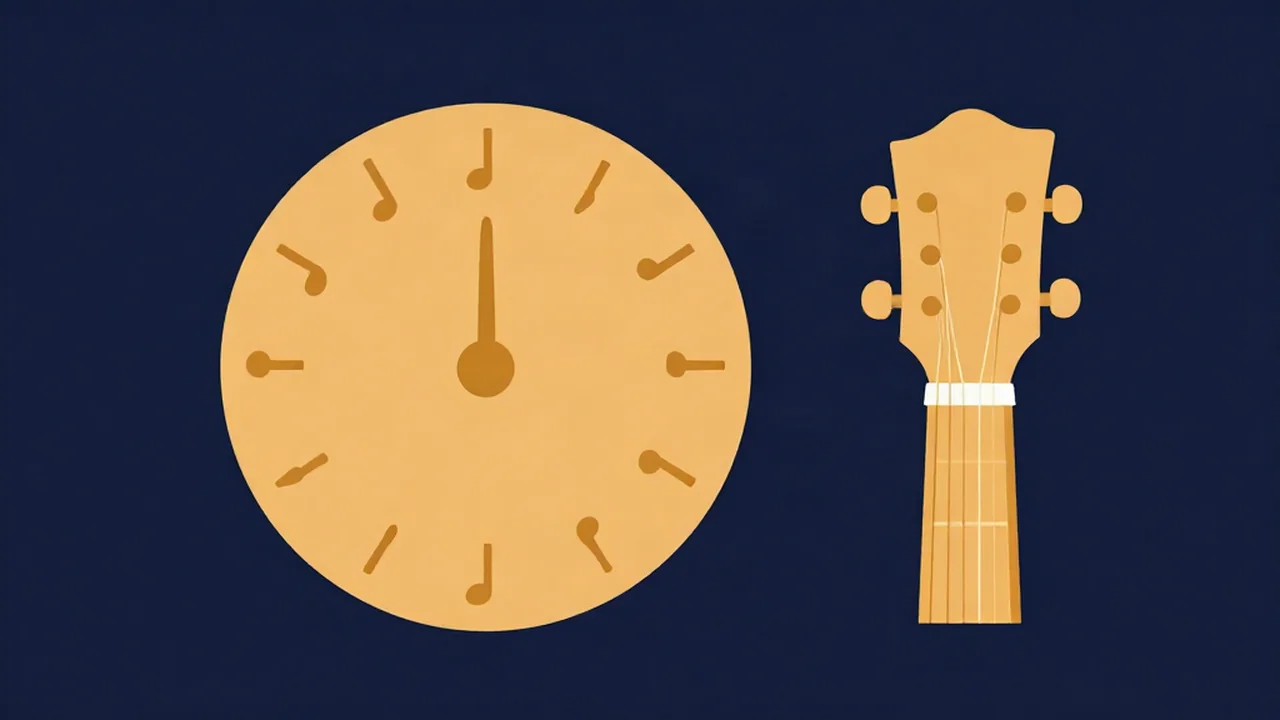
A chromatic tuner is a tuner that names whichever of the 12 notes you play, so the Guitar Tuner in Chromatic mode will read a C♯, an F or a G♯ just as happily as an E. An instrument-locked tuner, like a guitar or bass mode, only knows the open strings of that instrument.
A chromatic tuner tells you which note you're nearest to. A guitar-mode tuner tells you which string it thinks you're playing. Usually they agree. When they don't, knowing which mode you're in saves you from tuning the wrong way.
How a chromatic tuner works
A tuner measures the pitch of the note you play, in hertz. Equal temperament splits the octave into 12 semitones, so the tuner finds the closest of those 12 notes and shows its name, often with an octave number, like A2 or E4.
It then shows how far off you are in cents. A semitone is 100 cents, so the meter runs from −50 to +50. Past half a semitone you're closer to the next note. For the math, see Semitones and Cents: A Pitch Changer Guide.
Every note is measured against a reference pitch, normally A4 = 440 Hz, also called concert pitch. What Is Concert Pitch? A Pitch Changer Guide explains where 440 comes from.
Chromatic tuner vs guitar tuner (instrument mode)
The key difference is what each mode snaps to.
| Chromatic mode | Instrument mode (guitar, bass, ukulele, violin) | |
|---|---|---|
| Snaps to | Nearest semitone, any of 12 notes | Nearest open string of that instrument |
| Shows | Note name, octave, cents, tune up or down | Target string, cents, tune up or down |
| Best for | Any tuning, any instrument, voice | Standard tuning, quick checks |
| Main trap | More than 50 cents off shows the neighbouring note name | A string tuned off-standard snaps to the wrong target |
In chromatic mode, a low E that's more than 50 cents flat stops reading as a flat E and starts reading as a sharp D♯. The needle can look nearly centred while the note name is wrong. With a guitar chromatic tuner, read the note name first and the needle second.
Instrument mode has the opposite problem. Tune your low E down to D and guitar mode still aims for E, so it tells you to tighten the string. A very slack string can snap to a different string entirely and send you the wrong way.
When to use chromatic mode
Use a chromatic tuner for guitar whenever the target isn't a standard open string:
- Drop D and other alternate tunings. See Drop D Tuning: How to Tune Your Guitar and Alternate Guitar Tunings: Open G, DADGAD & More.
- Half step down. Every string drops a semitone, so you need note names, not string targets. Half Step Down Tuning: How to Tune Your Guitar walks through it.
- Harmonics. A 12th-fret harmonic on a bass sounds an octave above the open string, which bass mode may read as a different string.
- Other instruments and voice. Anything that isn't covered by a preset, or checking which note you're singing.
When guitar mode is easier
For beginners in standard tuning, instrument mode is simpler. It already knows the six targets from Standard Guitar Tuning: The EADGBE Notes, picks the string for you, and can play each reference note so you can tune by ear. Chromatic mode has no reference tones.
Tuning a guitar with a chromatic tuner
Vocal Cut's tuner works as a free online chromatic tuner in your browser:
- Open the Guitar Tuner and tap Chromatic (it opens in Guitar mode). Leave A4 = at 440 Hz unless you need another reference.
- Tap Start tuner and allow microphone access when your browser asks.
- Pluck one string and let it ring.
- Read the note name. If it's wrong, tune toward the right note until the name changes.
- Follow the cents meter until it reads in tune, within ±5 cents.
Note names use sharps, so E♭ shows as D♯. The microphone feeds a pitch analyser only. Nothing is recorded, and your audio never leaves your device. For the full process, see How to Tune a Guitar With an Online Tuner.
Related terms
- Cents and semitones: a semitone is the step between two neighbouring notes; a cent is a hundredth of one, the unit on the meter.
- Concert pitch: the A4 = 440 Hz reference.
- Standard tuning: the EADGBE targets guitar mode is built around.
- Bass tuning: How to Tune a Bass With an Online Bass Tuner.
Frequently asked questions
Is a chromatic tuner good for guitar?
Yes. A chromatic tuner works for guitar in any tuning, including drop D and half step down, because it names the note you actually play. Instrument mode is quicker in standard tuning, since it picks the target string for you.
Can a chromatic tuner tune other instruments, like bass, ukulele, violin or voice?
Yes, if the note is inside the tuner's range. Vocal Cut's tuner reads roughly 35 Hz to 1,400 Hz, and also has Bass, Ukulele and Violin presets.
Why does my chromatic tuner show the wrong note?
Usually the string is more than 50 cents (half a semitone) off, so the tuner snaps to the neighbouring note. Tune toward the note you want until the name changes, then use the meter. Flats may also be spelled as sharps, so E♭ appears as D♯.
Is there an online chromatic tuner, or do I need an app?
You don't need an app. The Vocal Cut Guitar Tuner has a Chromatic mode that runs in your browser with your microphone. It's free, needs no account, and your audio never leaves your device.