How to Master a Podcast (-16 LUFS)
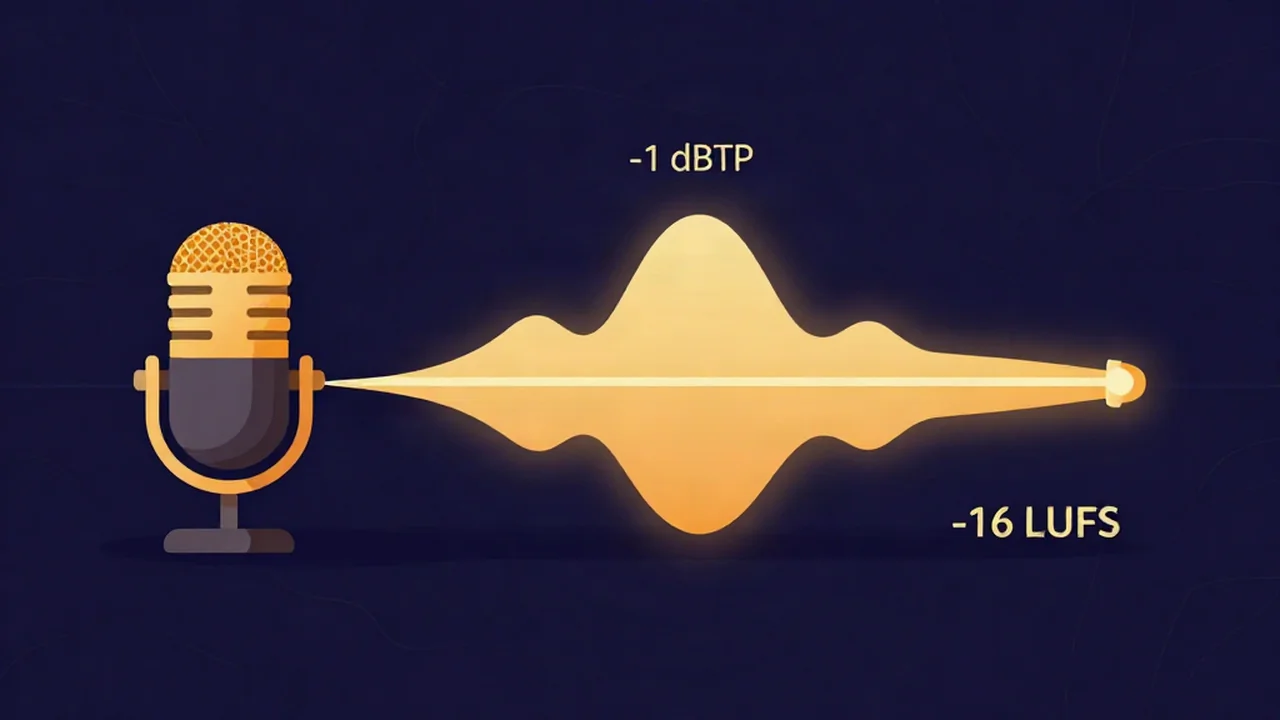
To master a podcast, aim for -16 LUFS integrated (for stereo) with true peak at or below -1 dBTP, then confirm both numbers in a free volume normalizer before you publish. That is the loudness target most podcast hosts and Apple Podcasts expect. If you publish mono, the equivalent target is -19 LUFS. Everything else here is about getting your dialog even and controlled before you land those numbers.
This is a checklist for an episode you already have — a recorded, edited export you're about to upload. It takes a few minutes, runs entirely in your browser, and your audio never leaves your device.
Why podcasts target -16 LUFS (not -14)
Music and podcasts are mastered to different loudness targets, and the gap is deliberate. Streaming music platforms like Spotify and YouTube normalize to about -14 LUFS integrated. Spoken word sits quieter, at -16 LUFS, because the priorities are different.
Music mastering is partly a loudness competition — a track wants to feel full and present next to everything else in a playlist. A podcast has no such competition. What matters instead is intelligibility and consistency: a listener needs to catch every word, often through phone speakers, car audio, or earbuds on a noisy train, and they need the level to stay steady for an hour without riding the volume knob. Pushing a voice as loud as a mastered song makes it fatiguing and, past a point, less clear. So -16 LUFS is the spoken-word convention — loud enough to carry, restrained enough to stay comfortable and even.
If the unit is new to you, what LUFS means for audio loudness is a short primer, and what LUFS you should master to lays out the per-platform targets side by side. For the ceiling, what true peak (dBTP) is explains why -1 dBTP matters more than a plain sample-peak reading.
One note on mono. Apple's target for a mono file is -19 LUFS, not -16 — a mono file measures about 3 LU quieter than the same content in stereo at matched perceived loudness. In practice most podcasters export stereo and publish at -16, which is the path this guide follows. If you're deliberately publishing mono, treat -19 LUFS as your number.
What you'll need
- Your edited episode as a file you already have (WAV or FLAC is ideal — lossless in, lossless out — but any format works).
- A modern browser. No account, no install, nothing to upload to a server.
- A few minutes to even out dialog, land the target, and re-check.
Steps
Mastering a podcast is really two jobs: even out the dialog and shape tone, then land the loudness and peak targets. Do them in that order — a normalizer can hit the number, but only the first step makes the voice consistent.
Start with your edited episode export. Finish your cut first — trims, crossfades, music beds, ad reads. Master the final mixdown, not individual clips.
Even out dialog and apply gentle compression first (recommended). This is the step that actually produces a consistent dialog level, and a normalizer cannot do it. Run your episode through the audio mastering tool to apply gentle compression that tames the difference between a whispered aside and an excited punchline, plus light EQ to keep the voice clear. Keep it gentle — the goal is a steady, natural delivery, not a loudness-war crush. For voice-specific tone, how to EQ a podcast voice covers what to cut and boost.
Remove long silences and dead air (optional). If your recording has awkward gaps or long pauses, tidy them with the silence remover before you master the loudness. How to remove silence from audio walks through it.
Open the volume normalizer and drop in your file. The free volume normalizer reads your episode and shows a Before panel with its measured integrated LUFS and true peak (dBTP). Note both — this is your starting point.
Select the -16 LUFS preset. In Loudness (LUFS) mode, click the Apple Music preset. Its target is exactly -16 LUFS — the same number podcasts use. There is no button literally labelled "Podcast," so this is the honest path: the label reads Apple Music, but the value it sets, -16 LUFS, is the podcast target. (The other presets are Spotify -14, YouTube -14, and Club -9.)
Keep Prevent clipping on. Leave the Prevent clipping (cap true peak at -1 dBTP) checkbox ticked. This holds true peak at or below -1 dBTP while the tool chases the loudness target — exactly the ceiling podcast delivery specs ask for.
Preview and read the After panel. Click Preview after-LUFS. The After panel shows the integrated LUFS and true peak your export will have. Confirm it lands near -16 LUFS with peak at or below -1 dBTP. The tool also displays the exact gain offset it applied, so you can see whether it turned the episode up or down and by how much.
Export. Choose WAV (lossless) for your archive or for a host that re-encodes, or MP3 for a smaller upload. FLAC, M4A, and Opus are also available. Then upload to your host.
The part a normalizer can't do
Here is the honest limitation, and it's the whole reason step 2 exists. The volume normalizer applies a single gain offset — it turns the entire file up or down by one fixed amount and holds the -1 dBTP ceiling. It is not a compressor and not a multiband limiter. So it lands your integrated loudness on -16 LUFS perfectly, but it does not change the dynamics of your dialog.
That distinction matters. Integrated LUFS is an average across the whole episode. If your quiet passages sit 12 LU below your loud ones, normalizing to -16 just moves that whole uneven range up or down together — the unevenness survives. A listener still reaches for the volume when you drop to a murmur and flinches when a guest laughs.
Evening out that range is a job for compression, and that's what the audio mastering tool does with its mastering chain. Do the gentle compression and EQ there first, so your dialog is already consistent, then normalize the polished result to -16 LUFS. (Don't reach for the audio compressor tool here — that one shrinks file size, not dynamic range, and won't touch your levels.) A clear voice comes from EQ on a podcast voice plus that gentle compression; the normalizer is the last step that simply sets the final volume.
Troubleshooting
My episode still sounds uneven even at -16 LUFS. That's the single-gain-offset limitation above — the normalizer moved the average, not the dynamics. Go back and apply gentle compression in the audio mastering tool first, then normalize the compressed file. Consistency comes from compression, not from the loudness target.
A loud guest makes the host sound too quiet. Different speakers recorded at different levels won't be fixed by one global gain move. Balance the speakers during your edit or with compression in the mastering step so both sit in a similar range, then normalize the whole episode to -16 LUFS as the final pass.
My peaks read above -1 dBTP after exporting to MP3. Lossy encoding can add inter-sample peaks that weren't in your source, nudging a file that measured -1.0 dBTP into clipping. Keep Prevent clipping on, and if you're exporting MP3 and want extra margin, aim a touch lower on peak before encoding. Re-drop the exported MP3 into the normalizer to confirm the true peak reading on the final file.
The gain offset the tool shows is large. That just means your source was far from -16 LUFS. A big positive offset (turning up a quiet file) can expose noise or a low noise floor — clean the recording first with EQ and, if needed, noise reduction, rather than normalizing a noisy file up.
Related
- How to EQ a podcast voice
- The record, clean, publish podcast workflow
- How to remove silence from audio
- What LUFS you should master to
- How streaming loudness normalization works
- How to master for Spotify (music, for contrast)
- Browse all how-to guides
Frequently asked questions
What LUFS should a podcast be?
Aim for -16 LUFS integrated for a stereo file, which is the widely used spoken-word target and the level Apple Podcasts cites. If you publish a mono file, target -19 LUFS instead, since mono measures roughly 3 LU quieter than stereo at the same perceived loudness. In both cases keep true peak at or below -1 dBTP.
Do I need to compress a podcast before normalizing?
Usually yes. A volume normalizer applies one fixed gain change to the whole file, so it hits your loudness target but leaves the dialog just as uneven as before. Gentle compression in a mastering step is what actually evens out quiet and loud passages. Compress first, then normalize the result to -16 LUFS.
Is -16 LUFS for stereo or mono?
-16 LUFS is the stereo target. The same spoken-word content published as a mono file should hit -19 LUFS, because a mono measurement reads about 3 LU lower than stereo at matched loudness. Most podcasters export stereo and publish at -16; the browser normalizer's presets are stereo-oriented, so -16 via the Apple Music preset is the practical path.
Can I master a podcast in the browser for free?
Yes. The volume normalizer measures your episode's loudness and true peak, sets the -16 LUFS target with a -1 dBTP ceiling, and exports the result — all client-side, so your audio never leaves your device. Pair it with the audio mastering tool for gentle compression and EQ. There's no account, no upload, and no cost.