Match a Sample's Key With a Pitch Changer
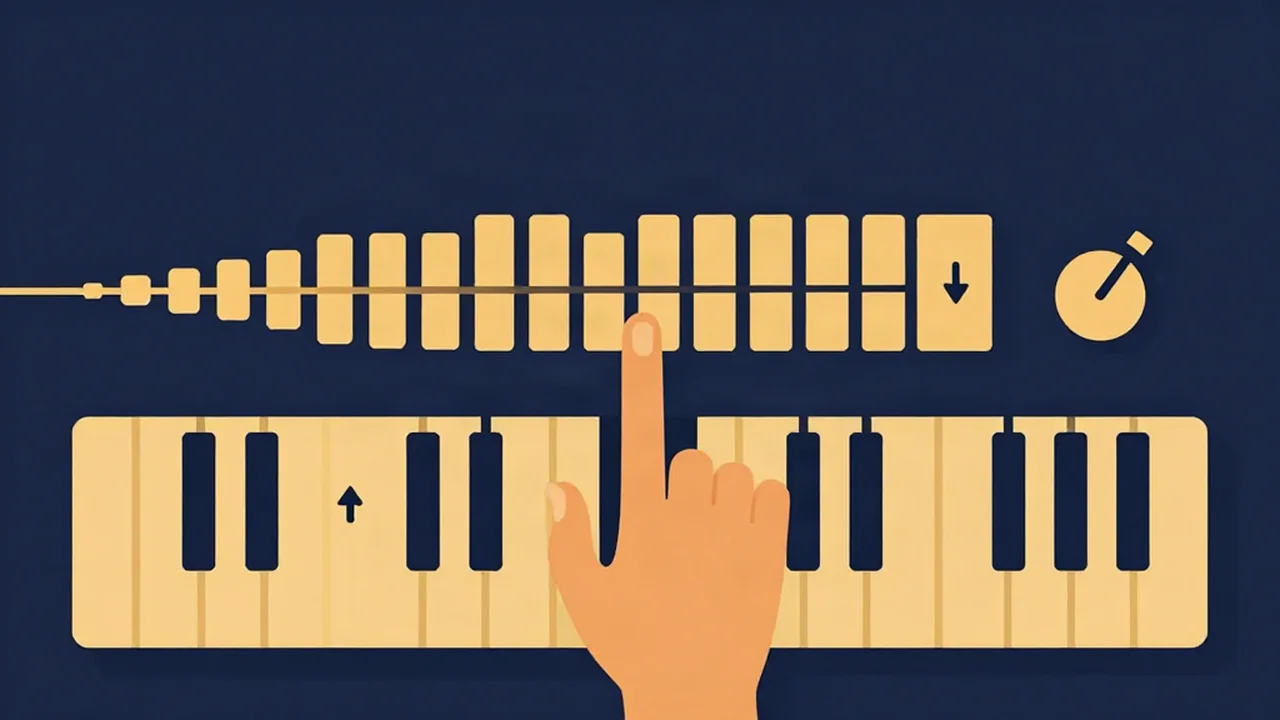
To match a sample's key to your beat, find the loop's key with the Key Finder, count the shortest semitone distance to your project's key, and shift it that many steps with the Pitch Changer. The pitch changer moves the key in whole semitones (−12 to +12) without touching the tempo, so a loop you've already cut to bar length stays bar length. Then export a WAV and drop it into your DAW.
Most of the work is in the details, and this guide covers the parts that trip producers up: which direction to shift, when the detected key can't be trusted on a two-bar loop, and how far you can push a sample before it starts sounding processed.
This is a sample-flipping workflow, not a full song transposition. To move an entire track into a new key, see How to Transpose a Song With a Pitch Changer.
Step 1: Cut the loop before you analyze it
Trim the sample first. Run the Audio Cutter on the source file and keep only the section you'll actually flip: the chord stab, the four-bar phrase, the vocal hook. How to Cut a Sample or Loop From a Song walks through finding clean loop points.
Why cut first? Key detection averages the harmony across the whole file. If the full song modulates, or the intro sits on a different chord than the bit you want, the reading reflects the song and not your loop.
Step 2: Find the sample's key
Load the trimmed loop into the Key Finder. It builds a chroma profile (how much energy lands on each of the 12 pitch classes) and matches it against major and minor key templates. You get a key, a confidence reading (High, Moderate or Low), and a bar chart of that chroma profile.
Find your beat's key the same way if you don't already know it: run your chord progression or bassline bounce through the tool. For more on reading the results, see How to Find the Key of a Song With a Key Finder.
When the reading on a short loop is unreliable
Short loops give the detector very little to work with. Expect a Low or Moderate confidence when the sample is:
- a single sustained chord, which fits more than one key
- drum-heavy or mostly percussive
- a one-note bass or vocal riff
- only a second or two long
Check it by ear. Play the loop against a single sustained note of your project's root (a pad or 808 on the tonic) and listen. If it sounds settled, you're close. If it clashes, try the root one semitone up and down, and watch the chroma chart: the tallest bars usually show the notes that matter. Wrong Key Detected? Fix Your Key Finder Results covers the common misreads, including the fifth and relative-key confusions.
Step 3: Decide whether you need a relative key instead
Before counting semitones, check whether the sample already fits. A loop in C major shares every note with A minor, so it can sit in an A minor beat with no shift at all. The tonal center feels different, but nothing clashes.
The relative minor is three semitones below the major root:
| Major | Relative minor |
|---|---|
| C major | A minor |
| G major | E minor |
| D major | B minor |
| F major | D minor |
| B♭ major | G minor |
| E♭ major | C minor |
If your sample is in the relative key of your beat, try it unshifted first. Relative Major and Minor Keys: Key Finder Guide explains why detectors often swap the two.
Step 4: Count the shortest semitone distance
Count semitones from the sample's root to your project's root, going whichever direction is shorter. Any key is at most 6 semitones away, up or down. If your count goes past 6 one way, go the other way instead. Down 5 usually sounds more natural than up 7, and smaller moves leave fewer artifacts.
| Sample key → beat key | Up | Down | Use |
|---|---|---|---|
| C → D | +2 | −10 | +2 |
| A minor → F minor | +8 | −4 | −4 |
| E → C | +8 | −4 | −4 |
| G minor → A minor | +2 | −10 | +2 |
| F → B | +6 | −6 | either (pick by tone) |
| D → C♯ | +11 | −1 | −1 |
At exactly 6 semitones (a tritone), both directions are the same distance. Choose by sound: shifting up brightens and thins a sample, shifting down darkens and thickens it.
Match quality to quality. A major sample won't become minor by pitch shifting; it moves the key while keeping the same scale. So a major loop over a minor beat needs to land on the beat's relative major (Step 3), not its root.
Step 5: Shift it with the online pitch changer
Open the Pitch Changer and drop in the loop. Move the pitch slider by your semitone count. It runs from −12 to +12 in whole-semitone steps, and the preview updates as you drag, so you can play it against your beat and confirm the fit before exporting.
Leave Playback speed at 1.00x. Speed is a separate control (0.5x to 2.0x in 0.05 steps), and in this tool it changes tempo without changing pitch. Pitch changes key without changing tempo. The two controls are independent, which is what you want when a loop is already cut to your grid.
Pitch shift vs repitching like a sampler
A hardware sampler or a DAW sampler in classic mode repitches: playing the sample higher also plays it faster. That's the chipmunk-soul sound, and plenty of producers want it. A music pitch changer that keeps tempo fixed gives you the key change without the speed change, so your loop stays locked to the BPM.
If you're after the sampler sound, you can approximate it here by moving both: raise pitch by some semitones and raise speed to match (each semitone is roughly a 6% speed change, so +12 pairs with 2.0x). For a deeper look at how these relate, see How Pitch, Speed, and Duration Relate. Check your project tempo with the BPM Finder first; How to Find the BPM of Any Song (3 Ways) covers that.
Step 6: Watch for artifacts on big shifts
Small shifts of 1 to 3 semitones usually go unnoticed. Past 5 or so, you'll start to hear it. Vocals pick up a formant shift (the voice sounds smaller or bigger, not just higher or lower), transients smear slightly, and sustained notes can warble.
Ways to stay clean:
- Keep the shift within ±6 by always taking the shorter direction.
- Shift chord and melodic loops more freely than vocal chops.
- If a vocal sample needs a big move, consider a different section of the source that's already closer.
How to Pitch Shift Without Ruining Vocals goes further into keeping voices natural.
Step 7: Export WAV for your DAW
Pick WAV · lossless in the export options and download. WAV is the default and the right call for anything going back into a DAW, since you'll likely process it further. MP3 is there if you need a small file for sharing a rough idea, and Opus appears in browsers that support it.
Everything runs in your browser, and your audio never leaves your device. Because the tool works on a file you already have, it doesn't matter if the source started as an MP3. You can use it as an MP3 pitch changer on the way in and still export a lossless WAV of the result.
If the flip uses a recognizable recording, sort out clearance before you release. How to Sample Vocals Cleanly covers the basics, and Beatmatching and Key Matching Explained is useful if you're blending full tracks rather than loops. For more workflows like this, browse the Audio How-To Guides.
Frequently asked questions
How many semitones should I shift a sample? Count from the sample's root note to your beat's root note and take the shorter direction. No key is more than 6 semitones away, so you should never need to shift further than ±6 to match a key.
Does changing the pitch change the BPM of my loop? Not in the Vocal Cut Pitch Changer. The pitch slider changes key only and the speed slider changes tempo only, so a loop cut to bar length stays the same length after a key change.
Why does the Key Finder show low confidence on my sample? Short, percussive, or single-chord loops don't contain enough harmonic information for a clear reading. Check the result by ear against a sustained root note, and try the keys one semitone above and below.
Can I make a major sample fit a minor beat? Yes, by shifting it to the beat's relative major, which uses the same notes. For example, a major loop fits an A minor beat if it's shifted to C major. Pitch shifting alone won't turn major into minor.
What format should I export for my DAW? Export WAV. It's lossless and the default in the Pitch Changer, so further processing in your DAW starts from full quality. MP3 and Opus are smaller but lossy.
Is my sample uploaded anywhere? No. Pitch shifting runs in your browser, and your audio never leaves your device.