What Is BPM? Tempo Explained + BPM Finder
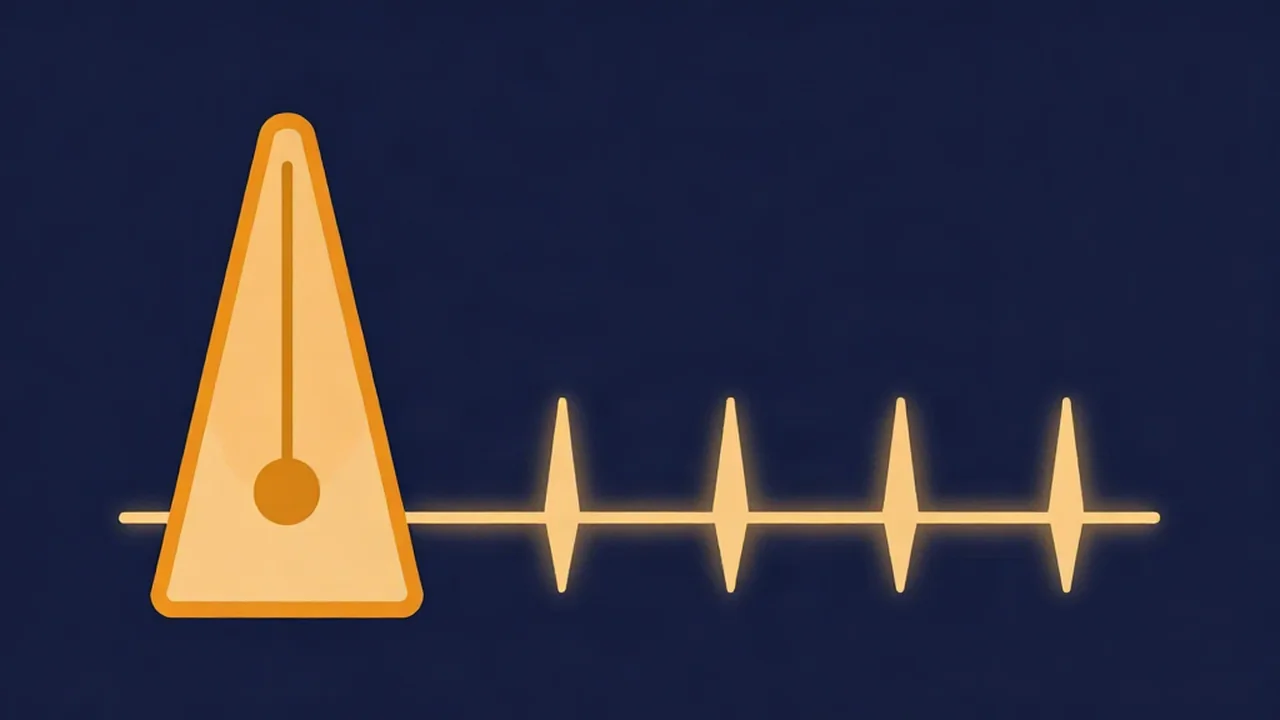
BPM (beats per minute) is the unit of musical tempo, and a BPM finder is simply a tool that tells you that number for a song. Tempo is the concept: how fast or slow a piece feels. BPM is the measurement. A song at 120 BPM has 120 evenly spaced beats in every minute, which works out to two beats per second.
The distinction matters. Two tracks can share a BPM and still feel different, because feel also depends on groove, drum pattern and how busy the arrangement is. BPM gives you the grid those things sit on.
The math behind BPM
At 60 BPM, one beat lands every second. Everything else follows from that. To get the length of a single beat in milliseconds, divide 60,000 by the BPM:
- 60 BPM = 1,000 ms per beat
- 90 BPM = about 667 ms per beat
- 120 BPM = 500 ms per beat
- 140 BPM = about 429 ms per beat
This is the exact formula behind the tap-tempo pad on the Vocal Cut BPM Finder. You tap along to the beat, the tool measures the gaps between your taps, averages the last eight at most, and divides 60,000 by that average interval. If you stop tapping for three seconds, it resets so you can start fresh on another song.
Typical BPM ranges by genre
Genres cluster around certain tempos, though every one of them has exceptions. Treat these as rough guides:
| Style | Typical BPM |
|---|---|
| Ballads and slow pop | roughly 60–80 |
| Hip-hop | roughly 80–100 |
| Trap | often 130–150, felt in half-time |
| House | roughly 120–130 |
| Techno | roughly 125–140 |
| Dubstep | around 140 |
| Drum & bass | roughly 160–180 |
Lower tempos tend to read as relaxed or heavy, and higher ones as urgent or energetic. That's a tendency, not a law. A trap beat at 140 BPM can feel laid-back because the drums are played in half-time.
Half-time, double-time and why detectors disagree
That trap example points to the most common BPM confusion. A song at 70 BPM and the same song counted at 140 BPM share the same pulse; one count just subdivides it twice as finely. Detectors and people both land on different answers for this reason. The guide on why your BPM detector gives weird results covers it properly, including how to tell which number to trust.
Classical tempo markings
Before metronomes, composers described tempo in Italian words. They're still printed on sheet music, and they map loosely to BPM:
- Largo: very slow, roughly 40–60
- Andante: walking pace, roughly 76–108
- Allegro: fast and bright, roughly 120–156
- Presto: very fast, roughly 168–200
When a song has no single BPM
Plenty of music doesn't hold one tempo. Live recordings drift as a band speeds up in the chorus. Classical and solo piano performances often use rubato, where the player stretches and pushes time for expression. Some songs change tempo outright between sections.
For those tracks, any single BPM is an average. A detector may give you a number that fits one section and not another, and tapping along to the part you care about is often more useful.
Why BPM matters
Knowing a song's tempo pays off in a few specific jobs:
- DJ beatmatching. Two tracks need matching BPMs before their beats line up. Beatmatching and key matching explained covers the pairing, and a Key Finder handles the key side, since BPM and key are separate tools on the site. For a full set, see how to make a continuous DJ mix.
- Mashups. Two songs at different tempos need one of them stretched to fit. The walkthrough on how to make a mashup from two songs starts from the BPM of each.
- Sampling and looping. A loop cut to an exact number of beats repeats cleanly. The beat length in milliseconds tells you where to cut; see how to cut a sample or loop from a song.
- Practicing. Musicians slow a hard passage down and work it back up to full speed. The Speed Changer changes tempo without changing pitch, so the song stays in the same key.
Speed, pitch and length are tied together in ways that trip people up. How pitch, speed and duration are related explains why a simple speed-up also raises the pitch.
Using a song BPM finder
The BPM Finder works as a song BPM finder for files you already have: drop in an MP3, WAV or other audio file and it analyzes the tempo in your browser. Your audio never leaves your device. If the detected number looks doubled or halved, the tap pad is right there to check it by ear. The step-by-step version is in how to find the BPM of any song, and more background articles live in the explainers hub.
Frequently asked questions
What does BPM stand for? BPM stands for beats per minute. It is the standard unit for measuring musical tempo, counting how many beats occur in one minute of music.
Is tempo the same as BPM? Not quite. Tempo is the concept of how fast a piece of music moves, while BPM is the number used to measure it. A song's tempo can be described in words like Allegro, or measured as a BPM value like 128.
How do I calculate milliseconds per beat from BPM? Divide 60,000 by the BPM. At 120 BPM, each beat lasts 500 milliseconds; at 60 BPM, each beat lasts exactly one second.
Can a BPM finder work on an MP3 file? Yes. The Vocal Cut BPM Finder decodes MP3 and other common audio files in your browser to detect the tempo, and your audio never leaves your device. You can also tap along on the tap-tempo pad to confirm the result by ear.