Stem Separation for Music Producers
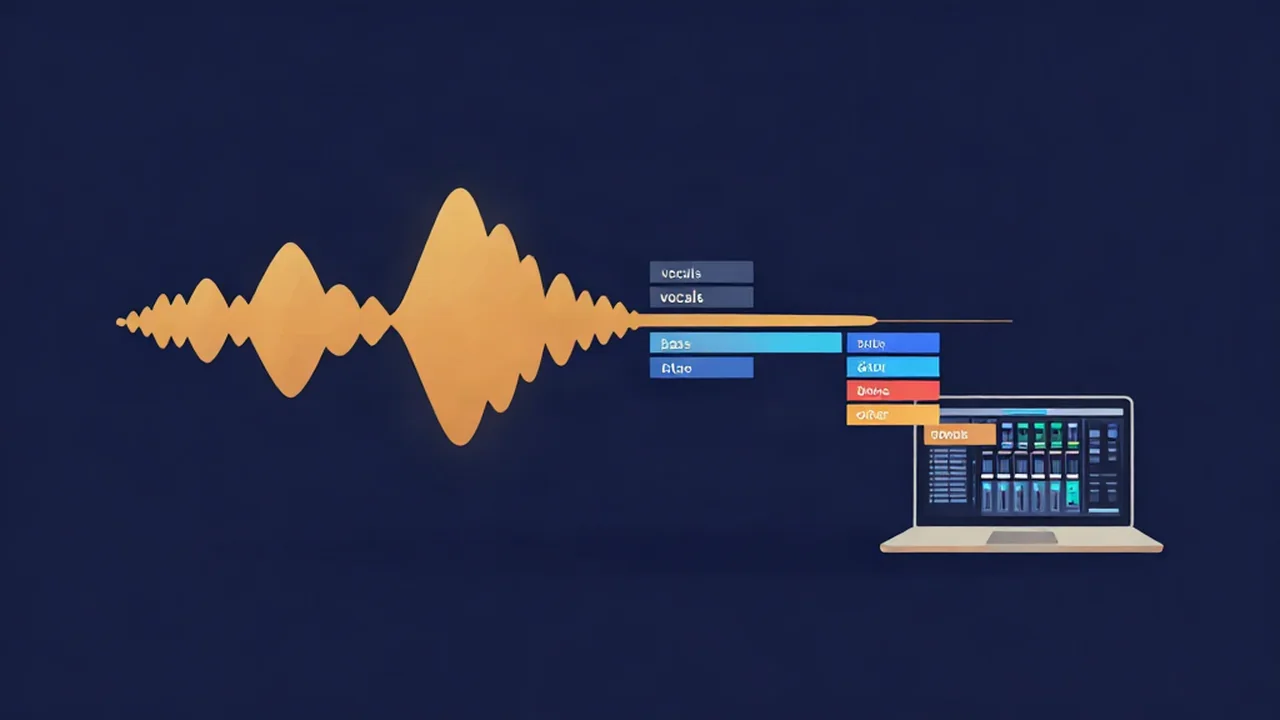
Stem separation for music producers means using an ai stem splitter to pull a finished song apart — vocals, drums, bass, and everything else — so you can study how it was arranged, A/B a mix against your own, or re-flip an element into a new production. It runs right in your browser on tracks you already own, no account and no upload, and once the AI model has loaded on your first run, one song takes about a minute of processing on your own computer. This is the studio side of stems: reference, analysis, sampling, and rebuilding — not live performance. Here's how it fits into a producer's workflow.
If you're new to the concept, what are audio stems covers the basics before you dive in.
What you'll need
- A track you already own — an MP3, WAV, FLAC, or most other common audio files. You're separating a file on your device, so this only works with music you have the right to use. There's no stream ripping and no "paste a URL."
- A modern browser. The first time you run a separation, the tool downloads the AI model (tens of megabytes) from our servers. Your audio itself never leaves your device — the separation runs locally on your own CPU once the model lands.
- A minute or so per track. A free stem splitter that runs locally is fast, but it isn't instant. Batch the tracks you want to reference or sample in one session rather than expecting a real-time un-mix.
How to split a song into stems
- Open the Stem Splitter and drop in your file. Drag a track onto the page or click to browse. Nothing uploads — the file stays in your browser.
- Let it separate. This music stem splitter splits the song into four stems: Vocals, Drums, Bass, and Other (guitars, keys, synths, and the rest of the mix). The first run pulls the model down; later runs in the same session skip straight to processing.
- Use the mixer to isolate a part. Each stem has Play/Pause, Solo, Mute, and a Volume slider. Solo the Drums to hear the break on its own, or mute the Bass to check how the rest sits without it.
- Download the stems you need. Each stem has its own Download button, and you choose the format — WAV (lossless, the default), MP3, or Opus. Pull a single element or grab all four.
- Reset when you're done. "Reset workspace" clears the current track so you can load the next one.
For the full end-to-end walkthrough, see how to split a song into stems. If you only need a clean acapella or instrumental, the Vocal Remover is faster — it's a 2-stem split (vocals plus instrumental) instead of the full four. Not sure which to reach for? Stem splitting vs vocal removal breaks down when each one wins.
How producers actually use stems
Reference and analysis. A finished master hides its own construction. Soloing the stems lets you hear exactly how a record you admire is built — how loud the vocal sits over the beat, what the bass is actually doing under the kick, how busy the "other" bus is. Line a reference stem up next to the same part in your own session and you get an honest A/B instead of guessing. It's the fastest way to reverse-engineer an arrangement you can't quite crack by ear.
Re-flipping and sampling. Isolate a drum break, a bassline, or a vocal phrase and you've got raw material for a new beat. Soloing the Drums stem gives you a far cleaner loop to chop than pulling a section straight from a busy mix — how to get a drum break to sample covers turning that stem into a usable break. Once you've got the part isolated, how to cut a sample or loop from a song walks through trimming it to a clean loop point. Vocal chops work the same way: solo the Vocals, download, and slice.
Replacing and rebuilding parts. Sometimes you own the multitrack for everything except one element — or you're rebuilding a track from a bounce because the session is gone. Separating the master lets you lift the parts that are worth keeping (the vocal, say) and rebuild drums or bass around them from scratch. It won't hand you the original recording, but it gives you a working scaffold to produce over.
Learning to mix. Beyond any single flip, stems are a teaching tool. Muting one part at a time on a professionally mixed record shows you what balance, low-end, and space actually sound like in isolation — knowledge that transfers straight into your own mixes.
If your goal is a full remix rather than a study session, how to make a remix using stems is the build-focused guide.
Where the AI falls short
An audio stem splitter reconstructs parts that were mixed together into a single file — the original isolated recordings aren't in there, so the result is an estimate, never a studio-perfect un-mix. In practice:
- Bleed on dense material. On busy, heavily produced records, a faint trace of one part can leak into another — a whisper of vocal in the instrumental, or cymbals in the "other" stem. Typical pop, rock, and hip-hop usually come out clean; wall-of-sound productions are harder.
- Mono and low-bitrate sources are weaker. Modern stereo mixes give the model the most to work with. Mono masters, vintage recordings, and low-bitrate MP3s carry less separation information, so expect more artifacts.
- Bass and drums can blur. Very sub-heavy mixes sometimes smear the line between the Bass and Drums stems. Solo each one and check before you build a flip around a kick or a bassline.
None of this makes the stems useless — a re-flipped drum loop or a soloed vocal for reference tolerates a little bleed easily. Just audition each stem for the job you have in mind. If you want to weigh the local browser approach against other options, best free stem separation tools compares them, and how AI vocal removal works explains what the model is doing under the hood.
Related guides
- How to split a song into stems — the full four-stem workflow, start to finish.
- How to make a remix using stems — turning separated parts into a finished remix.
- How to get a drum break to sample — pulling a clean break out of the Drums stem.
- Copyright and fair use when sampling and remixing — worth reading before you release anything built on someone else's record.
Frequently asked questions
Is the stem splitter really free for producers?
Yes. It's a free stem splitter with no account, no sign-up, and no export limit. You can separate as many tracks as you want and download every stem in WAV, MP3, or Opus. It runs in your browser on your own computer, so there's no subscription and no watermark on what you pull out.
Does my music get uploaded anywhere?
No — your audio never leaves your device. The separation runs locally in your browser on your own CPU. The one thing that downloads is the AI model itself, which the tool fetches once on your first use and then reuses. Your tracks and the stems you extract are never sent to a server.
Can I sample or re-flip the stems I pull out?
Technically, yes — a soloed drum break, bassline, or vocal chop is exactly what a song stem splitter is useful for in production. Legally, sampling someone else's recording is a separate question: clearing a sample and fair use aren't the same thing. Read copyright and fair use when sampling and remixing before you release a flip built on a track you don't own.
Should I use the stem splitter or the vocal remover?
Use the Vocal Remover when you only need a clean acapella or a plain instrumental — it's a faster 2-stem split. Use the Stem Splitter when you want drums and bass on their own, or full control for sampling and rebuilding, since it gives you four separate stems to solo, mute, and download individually.
How clean will the stems be for studio use?
Usually very clean on typical pop, rock, and hip-hop, and good enough to reference or sample on most tracks. On dense, heavily processed, bass-heavy, mono, or old recordings you may hear some bleed or artifacts, because the AI is estimating parts that were mixed into one file rather than recovering the original recordings. Audition each stem before you build a production around it.