How to Add Echo to Audio (Free Echo Effect)
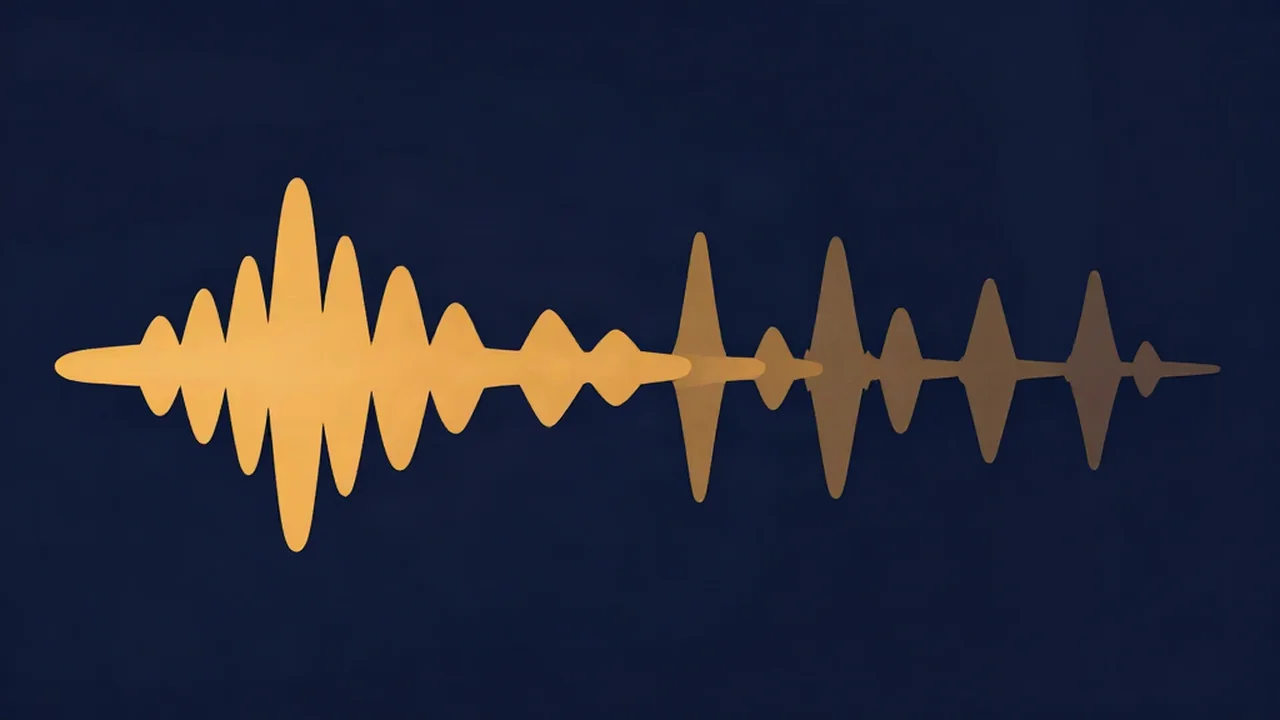
To add echo to audio for free, open the Vocal Cut Echo Effect tool, drop in an MP3, WAV, FLAC or M4A file, and pick a preset: Slapback, Classic echo, Canyon or Ping-pong. Press play to hear the repeats, adjust the delay time and number of repeats while it plays, then export. The export is automatically lengthened so the last repeats fade out instead of being cut off.
Everything runs in your browser. Your audio never leaves your device, and you don't need an account.
What is the echo effect?
An echo is a delayed copy of a sound that you hear as a separate event, the classic "hello… hello… hello" bounce off a canyon wall. In audio production the same thing is called a delay, and the audio delay effect in Echo Effect works the way most hardware and plugin delays do: a feedback delay line. The signal is delayed, mixed back in with the original, and a share of it is fed back round so it repeats again, a little quieter each time. Every repeat also passes through a low-pass filter, so the repeats get progressively duller, like sound losing its high end as it travels through a real space.
The main thing that separates echo from reverb is that you can count the repeats.
What you'll need
- An audio file you already have: MP3, WAV, FLAC or M4A. A voice, an instrument or a whole song all work.
- Headphones, especially for Ping-pong, where the repeats bounce between left and right.
- A current desktop or mobile browser. There's no AI and no model to download; the tool is plain Web Audio processing.
How to add echo to audio online, step by step
- Open Echo Effect and drop your file onto the upload box, or click to browse.
- Pick a preset. Classic echo is the starting state. Slapback, Canyon and Ping-pong are one click away (see the table below).
- Press the round Play button. Preview is live: while it reads "Previewing — change the settings to hear them live", every change is heard straight away.
- Set Delay time. This is the gap between the sound and each repeat, from 50 to 1000 ms.
- Set Repeats. This is the feedback, from 0% to 85%. At 0% you get a single repeat; higher values give a longer trail.
- Set Echo level and Echo tone. Echo level (0–100%) is how loud the repeats are against the original. Echo tone (1.0–16.0 kHz) filters them: lower means duller repeats.
- Choose Straight or Ping-pong (left / right) for the stereo behaviour.
- Pick an export format and click Export. WAV is the default and is lossless; MP3 lets you choose a bitrate; Opus appears only in browsers that can encode it. The button names the format, for example "Export WAV".
- Use Reset File to load another track.
The exported file is longer than the original. The tool works out how long the repeats take to die away to about −60 dB and adds that to the end, capped at 15 seconds, so the final echo isn't chopped off.
Choosing echo settings: presets compared
| Preset | Delay time | Repeats | Echo level | Echo tone | Good for |
|---|---|---|---|---|---|
| Slapback | 110 ms | 10% | 35% | 8.0 kHz | A tight, single doubling on vocals or guitar, the classic rockabilly sound |
| Classic echo (default) | 350 ms | 40% | 35% | 6.0 kHz | A general-purpose voice echo effect with a few audible repeats |
| Canyon | 650 ms | 60% | 40% | 3.5 kHz | Long, dark, dramatic repeats for intros, outros and sound design |
| Ping-pong | 300 ms | 50% | 40% | 6.0 kHz | Repeats that bounce left, right, left across the stereo field |
Slapback barely reads as an echo at all; it thickens the sound. Canyon is the one to reach for when you want the echo itself to be the event.
Matching the delay to the song's tempo
Repeats that land on the beat sound deliberate. Repeats that don't tend to blur the rhythm. For a quarter-note echo, delay in ms = 60000 ÷ BPM. At 120 BPM that's 500 ms; an eighth note is half that, 250 ms. If you don't know the tempo, get it from the BPM Finder first.
Because Delay time tops out at 1000 ms, a quarter note won't fit below 60 BPM. Use an eighth note instead, which fits down to 30 BPM.
Straight vs ping-pong stereo
Straight keeps the stereo image of your source. Ping-pong sums the signal to mono and bounces the repeats left, right, left, so the output becomes stereo even if you started with a mono file. If the left/right distinction is new to you, Mono vs Stereo Audio explains it.
Echo vs reverb, and the echo reverb effect
People mix the words up, but they're different effects. Echo gives you distinct, countable repeats. Reverb is thousands of reflections blurred into one smooth tail, the sense of a room or hall rather than a wall bouncing your voice back. If you want space rather than repeats, use Audio Reverb; the walkthrough is How to Add Reverb to Audio (Free, Online).
For an echo reverb effect, chain the two tools:
- Run the file through one tool and export it as WAV.
- Load that WAV into the other tool and export again.
WAV between steps avoids compressing the audio twice. Echo first, then reverb, usually sounds more natural, because every repeat lands in the same space. Reverb first, then echo, repeats the whole wash and sounds more like an obvious effect.
Adding an echo vocal effect to one word or line
Producers often put an echo on just the last word of a line. Echo Effect applies to the whole file, so it can't automate echo on a single word inside a finished mix. You have two ways round that:
- Trim the phrase first. Cut out just the word or line with the Audio Cutter, add echo to that clip, and place it back in your editor or video timeline.
- Isolate the vocal first. Separate the vocal from the song with the Vocal Remover (see How to Isolate Vocals from a Song), echo the vocal, then mix it back with the instrumental. Echo on a full mix also repeats the drums and bass, which gets cluttered fast.
What about a mic echo effect?
Echo Effect processes a file you already have; it doesn't add echo to a live microphone in real time. To echo your own voice, record it first with the Audio Recorder, save the take, then load it into Echo Effect. For singing over a backing track, How to Record a Cover Song covers the recording side.
Troubleshooting
- The echo sounds out of time. Set Delay time from the tempo formula above rather than by ear.
- The words get buried. Lower Echo level, lower Repeats, or turn Echo tone down so the repeats sit behind the dry voice.
- The repeats trail on too long and pile up. Repeats is too high for the delay time. Bring it under about 50%.
- The echo sounds harsh or hissy. Lower Echo tone a few kHz. If the vocal is harsh before any echo, see How to EQ a Vocal.
- I hear only one repeat. Repeats is at 0%, which gives exactly one. Raise it.
- No Opus option. Your browser can't encode Opus. Use WAV or MP3.
Related task: After the dreamy, slowed-down sound instead of crisp repeats? What Is Slowed and Reverb? explains the style, and Slowed + Reverb does the speed change and reverb in one tool.
Frequently asked questions
Can I add echo to audio online for free? Yes. Vocal Cut's Echo Effect runs in your browser, so your audio never leaves your device, and there's no account or watermark. Drop in an MP3, WAV, FLAC or M4A file, pick a preset such as Classic echo or Slapback, preview it live while you adjust the delay and repeats, and export as WAV, MP3 or, in supporting browsers, Opus.
What is the difference between echo and reverb? Echo is a series of separate repeats you can count, like a voice bouncing back from a canyon. Reverb is a continuous wash of blended reflections that makes a sound feel like it's in a room or hall. You can combine them by exporting WAV from one tool and loading it into the other; echo first, then reverb, usually sounds most natural.
What delay time should I use for echo? Match it to the song's tempo. A quarter-note delay in milliseconds is 60000 divided by the BPM, so 120 BPM gives 500 ms and an eighth note gives 250 ms. For a quick doubling effect, try Slapback at 110 ms. Echo Effect's delay goes from 50 to 1000 ms, so below 60 BPM use an eighth note instead.
Can I add echo to my microphone live? Not with this tool. Echo Effect processes an audio file you already have rather than a live microphone signal. Record your voice first with Vocal Cut's Audio Recorder, which also runs in the browser, then load the recording into Echo Effect, choose your settings and export. That also lets you try several echo settings on the same take.
Why doesn't the echo get cut off at the end of my file? Echo Effect extends the export automatically. It calculates how long the repeats take to fade to about −60 dB and adds that time to the end of the file, up to a maximum of 15 seconds. If you trim the exported file afterwards in another editor, leave that tail in place so the last repeats can die away naturally.