Free vs Paid Audio Mastering
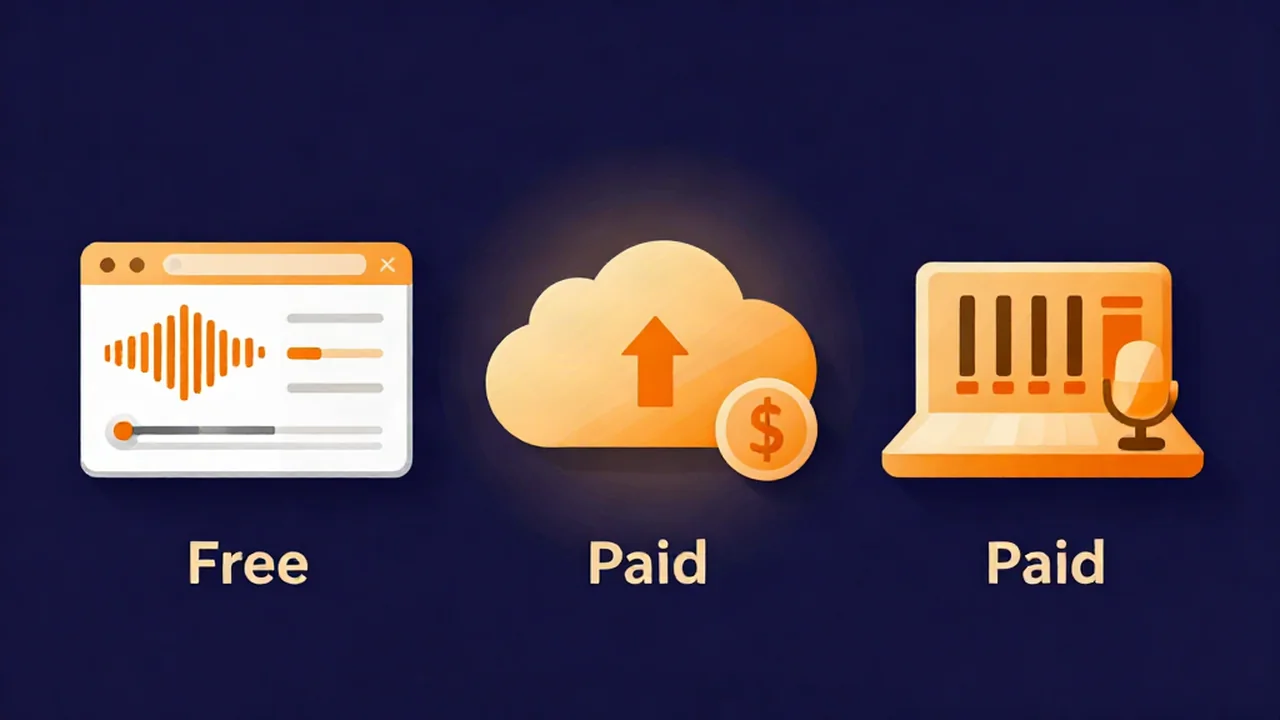
If you're weighing free vs paid audio mastering, the short answer is this: for demos, practice tracks, and matching a streaming loudness target, free browser mastering like Vocal Cut's Audio Mastering tool will get you a clean, competitive result without spending a cent or uploading your song anywhere. Paid tools earn their money in two specific situations — when you want a trained model to make the calls for you at speed, or when you're releasing something commercially and want a human engineer's ear on it.
Here's the one-line heuristic: master it free yourself when you're learning or releasing casually; pay for AI when you need fast batch results and have no gear or time; hire an engineer for a final commercial release. The rest of this guide breaks down all three honestly, including where each one falls short.
The three ways to master a track
Mastering is the final polish on a finished mix — tightening the tonal balance, gluing the levels together, and getting the whole thing to a consistent, competitive loudness. If the difference between mastering and mixing is fuzzy for you, Mastering vs Mixing: What's the Difference untangles it, and What Is Audio Mastering? covers the fundamentals. There are three realistic routes to get there, and they trade off cost, control, privacy, and quality ceiling in different ways.
| Free browser mastering | Paid AI service | Human engineer | |
|---|---|---|---|
| Cost | Free, unlimited | $ subscription or per-track | $$ per track |
| Turnaround | Minutes, on your machine | Fast, cloud-processed | Days per revision cycle |
| Control | Full manual control | Mostly one-click / limited tweaks | Directed by a pro, you give notes |
| Where your audio goes | Stays on your device | Uploaded to their servers | Sent to the engineer |
| Quality ceiling | Depends on your mix and your ears | Solid, model-dependent | Highest |
| Best for | Demos, practice, loudness matching | Fast batches, no gear/ear | Final commercial release |
Free browser mastering: control and privacy, no invoice
The free lane is browser-based DSP mastering, and Vocal Cut's Audio Mastering tool is a good example of what online free audio mastering can actually do now. It's not an AI black box — it's a real mastering chain you drive by hand: a five-band EQ (low shelf, low-mid, 1 kHz, presence, and high shelf), multiband compression, stereo width, and a limiter, plus genre presets (Flat, Warm, Bright, Punchy, Vocal-Forward) to give you a sensible starting point.
The two features that matter most for a beginner are the LUFS targets and the level-matched A/B. You can master toward Spotify or YouTube (-14 LUFS), Apple Music (-16), or a louder club target (-9), with true-peak-aware metering based on the BS.1770 standard — the same measurement the streaming platforms use. The A/B comparison plays the mastered and original versions at matched loudness, so you're judging the actual tonal change instead of being fooled into thinking louder is better. (More on why that trap matters below.)
Its strengths are easy to list: it's free and unlimited, there's no account, and, critically, your audio never leaves your device — the file is decoded and processed right in your browser, so nothing gets uploaded to a server. You also get hands-on control over every stage, which is the best way to actually learn what mastering does.
The honest limit is that you are the engineer here. There's no trained model making decisions for you and no analog gear or treated room in the loop, so the ceiling depends on the quality of your mix going in and how developed your ears are. That's a real constraint, not a marketing footnote — but for the situations most bedroom producers are in, it's rarely the thing holding a track back. If you want a walk-through, How to Master a Song Online for Free covers the full flow.
Paid AI mastering services: speed and a trained model, for a recurring fee
The paid AI category — services like LANDR, eMastered, CloudBounce, and BandLab's mastering, among others — takes a different bet. You upload your finished mix, a trained model analyzes it, and you get a mastered result back in a click. It's genuinely convenient, especially if you have a batch of tracks and no interest in learning the controls.
The upside is speed and low effort. The model has "heard" a large catalog of commercial masters and applies that reference automatically, which can get an untrained user closer to a competitive sound than fiddling with EQ they don't understand yet. That helps most when you're working at volume — mastering an album's worth of demos quickly adds up.
The tradeoffs are just as real. The cost is recurring — these are typically subscription or per-track pricing models rather than a one-time purchase. You also give up manual control; when the AI's decision isn't the one you'd have made, your options to override it are usually limited. And unlike browser processing, your audio is uploaded to their servers to be processed, which matters if the material is unreleased or sensitive. These are audio mastering services in the literal sense — you're renting a result, not owning a workflow.
Hiring a human mastering engineer: the highest ceiling
A mastering engineer is a person with a trained ear, a treated room, and monitoring you almost certainly don't have at home. This is the top of the quality ladder.
You get the highest quality ceiling by a clear margin, real revisions where you can give notes and get a considered response, and proper deliverables — masters cut for streaming, for CD, for vinyl, whatever the release needs. For a paid release you actually care about, this is the option that catches problems the other two miss.
It's also the most expensive route per track, and it takes real turnaround time — days, sometimes a revision cycle or two. That's overkill for a rough demo, and it's why the decision really comes down to what the track is for.
How to decide
Match the tool to the job, not to a "best" ranking:
- Demo, practice track, or you just need to hit a streaming loudness target → free browser mastering. You keep control, spend nothing, and your file stays on your machine. Perfect for learning.
- You've got a stack of tracks to turn around fast, no monitoring or mastering experience, and a bit of budget → a paid AI service. You're buying speed and a trained reference so you don't have to make every call yourself.
- Final commercial release you're promoting or selling → a human engineer. When the master represents you publicly and money's on the line, the extra cost and time are worth it.
Plenty of people use more than one over a project's life — free mastering for the demo phase, an engineer for the single that actually ships.
Getting a good result from free mastering
If you go the free route, the difference between a flat result and a genuinely good one usually isn't the mastering tool — it's what you feed it and how you judge it. A few things that punch above their weight:
- Fix the mix first. Mastering polishes a good mix; it can't rescue a bad one. If the low end is muddy or the vocal is buried, fix that in the mix before you master.
- Leave headroom. Bounce your mix with a little room at the top — a peak around -6 dB is a safe target — so the mastering chain has space to work. What Is Audio Headroom? explains why a mix slammed to 0 dB gives you nothing to work with.
- Pick the right LUFS target. Streaming platforms normalize loudness, so mastering to -14 LUFS for Spotify or -16 for Apple Music makes sense; going louder just gets turned back down, often with distortion left behind. What Is LUFS? Audio Loudness Explained and The Loudness War Explained cover why chasing maximum loudness is usually a losing game.
- Use level-matched A/B, because louder always sounds better. That's a perceptual bias, not a quality judgment. A level-matched comparison strips the loudness difference out so you're evaluating the actual tonal change. If your goal is simply matching a consistent loudness across tracks rather than full mastering, the Volume Normalizer handles LUFS and peak normalization directly.
When the track's mixed, mastered, and hitting the right loudness, How to Prepare a Song for Streaming Release walks through the final steps to getting it live. For more on the concepts behind all this, browse the explainers hub.
Frequently asked questions
Is free audio mastering good enough for streaming?
For demos, EPs, and most independent releases, yes. Streaming platforms normalize loudness to around -14 LUFS anyway, so a clean master that hits that target and controls peaks will sit right alongside commercial tracks. A free browser tool that meters in true-peak LUFS gets you there. For a major commercial release, an engineer still raises the ceiling.
Do I have to upload my song to master it?
Not with browser-based tools. Vocal Cut's Audio Mastering runs entirely in your browser — your audio is decoded and processed on your own device, so the file never leaves your machine. Paid AI services work differently: they require uploading your mix to their servers for the model to process it, which is worth knowing if the material is unreleased.
Can AI mastering replace a mastering engineer?
For fast, low-stakes work, it often gets close enough. What it can't replace is a trained ear making context-specific decisions, catching subtle problems, and responding to your notes across revisions. For a demo or a quick batch, AI is fine. For a release you're seriously promoting, a human engineer still delivers a higher ceiling and real accountability.
What LUFS should I master to?
Match the destination. Spotify and YouTube normalize to about -14 LUFS and Apple Music to around -16, so those are sensible targets for streaming. A louder -9 LUFS suits club playback. Because platforms turn loud masters back down anyway, aiming much hotter than the target usually just adds distortion without any lasting loudness benefit.
Is paid mastering worth it?
It depends on the track's purpose. For a final commercial single you're spending money to promote, an engineer's ear is worth the cost. For everyday demos and practice, paying a recurring subscription is hard to justify when free browser mastering gives you full control, private on-device processing, and the same loudness targets at no cost.